Slideshow · Technology
20 Telltale Signs Your Smartphone Has Been Hacked
Smartphones hold personal messages, private banking credentials, and sensitive location records. Modern spyware and trojans operate quietly in background processes, making early detection vital for digital safety. Recognizing these 20 warning signs helps users spot security intrusions before data theft occurs.
By Most Viral Today
11 min ago

Critical Warning Signs Your Smartphone Has Been Compromised 
20. Rapid Battery Drain 
19. Unexplained Spikes In Data Usage 
18. Excessive Overheating While Idle - AdvertisementSwipe or tap ▶ to continue countdown

17. Unfamiliar Apps On Home Screen 
16. Sluggish Performance And Constant Freezing 
15. Strange Outgoing Calls And Texts 
14. Intrusive Pop-Up Ads On The Screen - AdvertisementSwipe or tap ▶ to continue countdown

13. Mysterious Camera And Mic Indicators 
12. Spontaneous Restarts And Shutdowns 
11. Surprise Charges On Your Phone Bill 
10. Two-Factor Verification Codes You Never Requested - AdvertisementSwipe or tap ▶ to continue countdown

9. Browser Redirects To Suspicious Websites 
8. Phone Settings Changed Without Permission 
7. Sudden Lockouts From Online Accounts 
6. Strange Noises During Phone Calls - AdvertisementSwipe or tap ▶ to continue countdown

5. Prolonged Shutdown Delays 
4. Unsolicited Bluetooth Pairing Requests 
3. Security Software Disabled Mysteriously 
2. Sudden Loss Of Mobile Cellular Service - AdvertisementSwipe or tap ▶ to continue countdown

1. Unauthorized Bank And Wallet Transactions - Advertisement🔥 UP NEXT IN THIS SERIES◫ 21 Slides

20 Electric Cars Ranked by Driving Range
Modern electric vehicles have shattered early distance barriers through higher energy densities, slippery aerodynamics, and massive battery packs. Official EPA ratings reveal how far today's production models travel on one charge. Here are twenty electric cars, trucks, and SUVs ranked by their maximum driving range.
Smartphones hold personal messages, private banking credentials, and sensitive location records. Identifying covert digital intrusions early prevents devastating identity theft. This guide compiles security analysis and reporting from the Federal Trade Commission, CISA, the FBI, Apple, Google, Norton, and Wired.
Swipe or tap ▶ to begin the countdown
©Pixabay / kaboompics & Pixabay / pixelcreatures
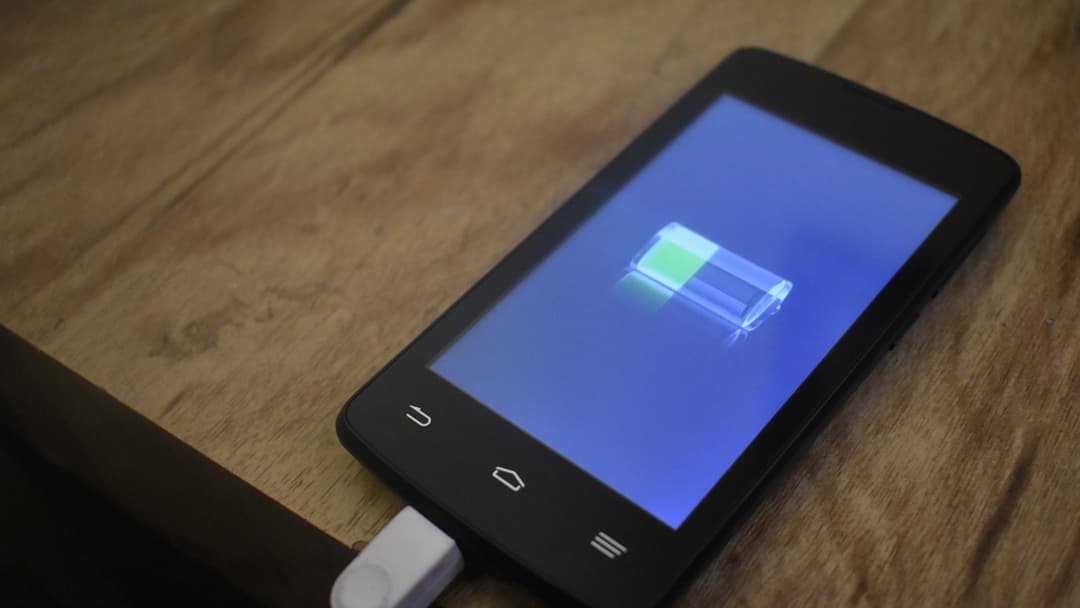
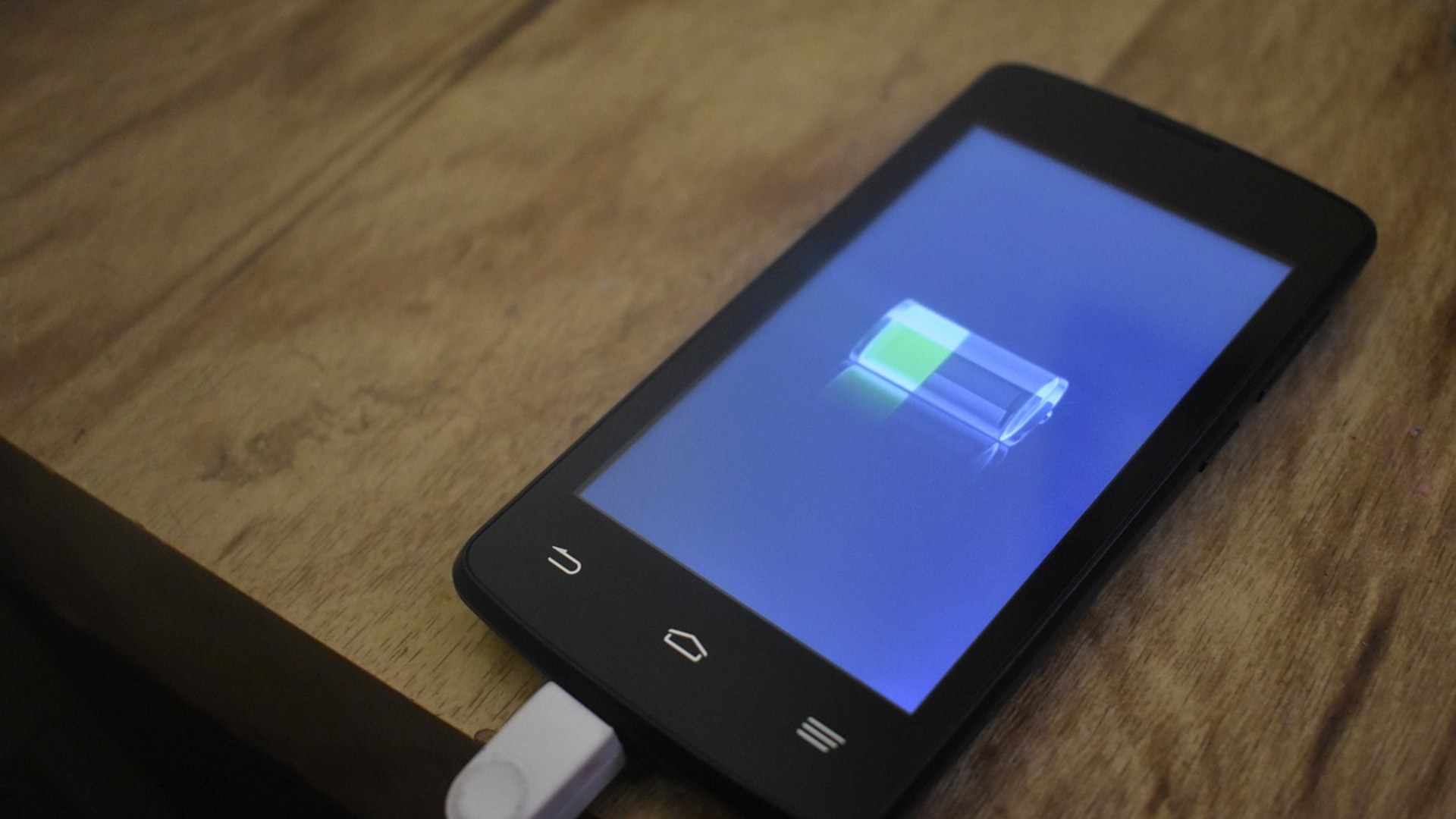
20. Rapid Battery Drain
Malicious background processes and spyware keep the processor running constantly. Cybersecurity firm Kaspersky notes that unauthorized tracking tools prevent mobile processors from entering low-power sleep states. This causes sudden battery depletion within hours of a full charge.
©Pixabay / VeConsultaHoy
19. Unexplained Spikes In Data Usage
Spyware continuously transmits stolen photos, location logs, and keystrokes to remote command servers. The Federal Trade Commission advises users to inspect monthly cellular billing statements for sudden gigabyte spikes. Hidden background uploads often occur across cellular connections.
©Pixabay / Firmbee
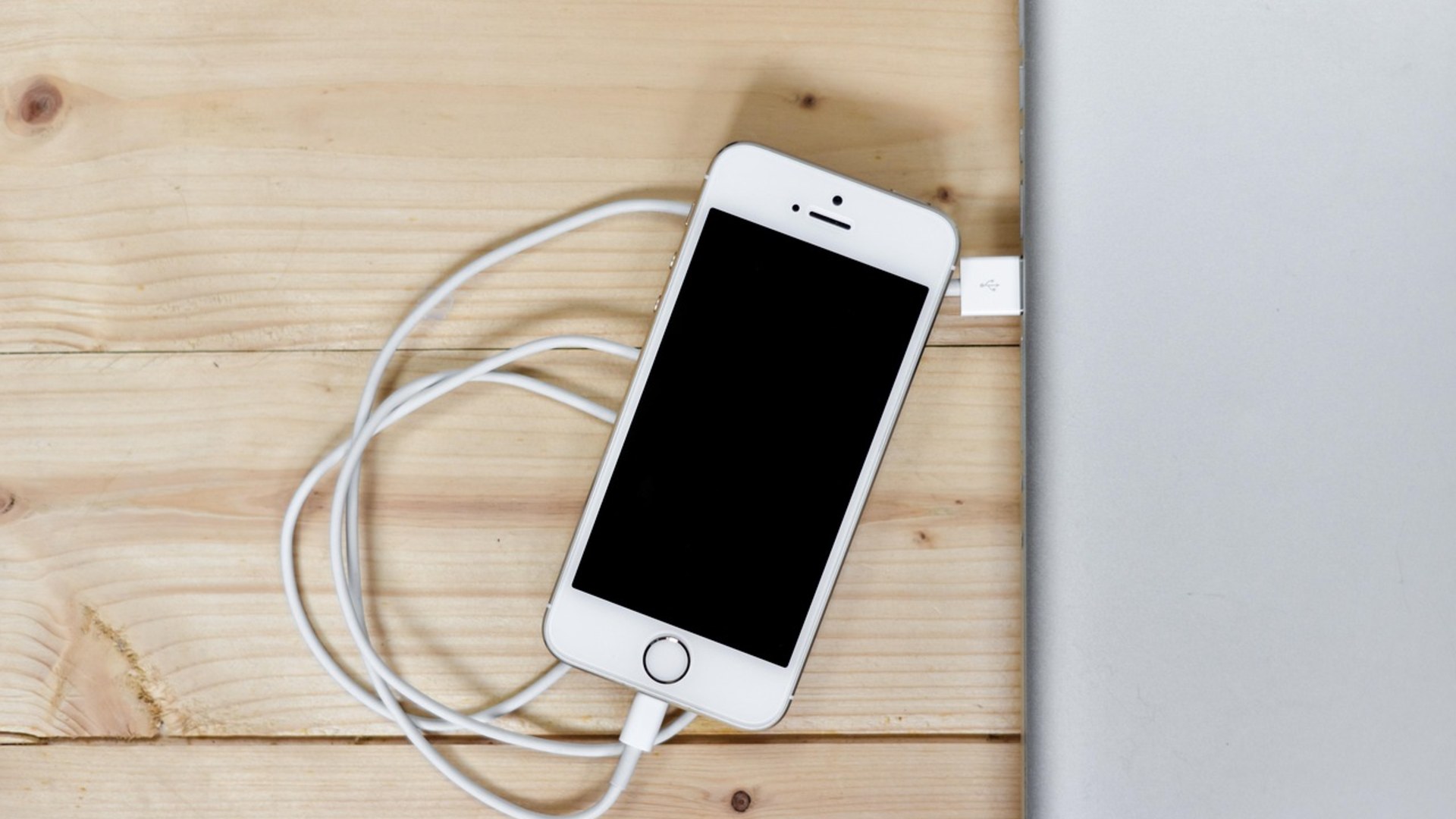
18. Excessive Overheating While Idle
Hardware heats up when malicious background mining scripts or monitoring tools max out CPU cores. Security researchers at Norton report that rogue apps run demanding calculations continuously. A phone should stay cool when the screen is locked and no heavy apps are open.
©Pixabay / stokpic
Advertisement
Swipe or tap ▶ to resume the countdown.
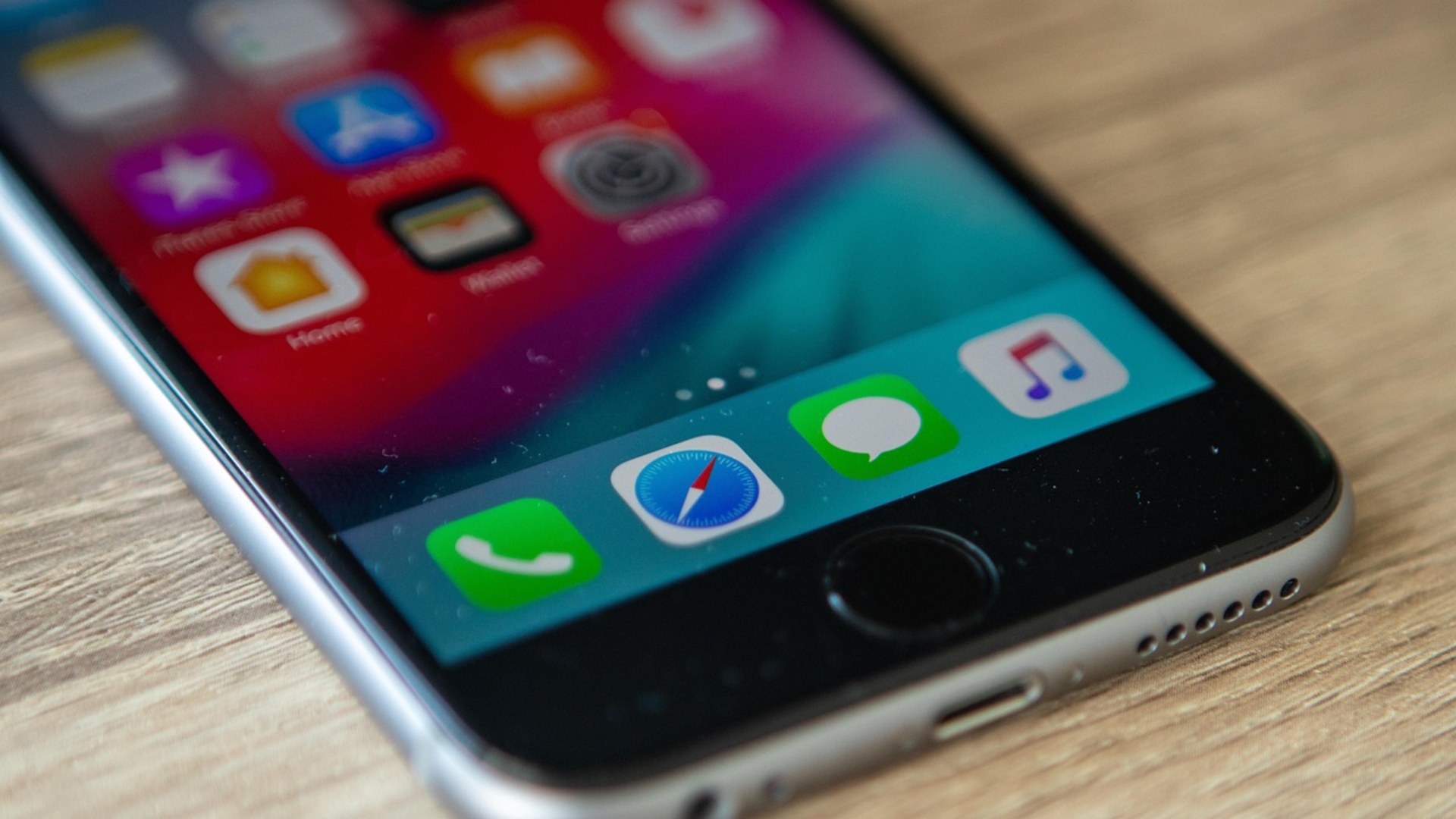
17. Unfamiliar Apps On Home Screen
Trojans frequently download secondary malware payloads after establishing root access. Google Android security guidelines urge owners to audit the full applications menu in device settings. Sideloaded spyware often mimics system utilities like calculator or update tools.
©Pixabay / Squirrel_photos
16. Sluggish Performance And Constant Freezing
Hostile programs consume system memory and processor threads, choking normal device operation. CNET tech specialists document that infected phones often freeze during simple typing or app switching. Resource exhaustion indicates that unauthorized code is dominating background memory.

©Pixabay / Pexels
15. Strange Outgoing Calls And Texts
Worm malware hijacks contact address books to propagate malicious phishing links via SMS. The Cybersecurity and Infrastructure Security Agency warns that infected devices auto-dial premium rate numbers. Check your outgoing call history regularly to catch automated dialing schemes.

©Pixabay / JESHOOTS-com
14. Intrusive Pop-Up Ads On The Screen
Adware infections generate persistent on-screen pop-ups even while sitting on the home screen. Security analysts at Malwarebytes explain that malicious developers use adware to generate fraudulent impressions. These intrusive banners bypass standard mobile ad-blocking controls.

©Pixabay / geralt
Advertisement
Swipe or tap ▶ to resume the countdown.
13. Mysterious Camera And Mic Indicators
Modern iOS and Android systems display visual indicator dots whenever sensors activate. Apple Support documentation confirms that green and orange dots signal active recording hardware. If these indicators appear while idle, a background surveillance tool is listening or recording.

©Wikimedia / 人工知能
12. Spontaneous Restarts And Shutdowns
Unstable root exploits and buggy malware payloads frequently trigger system kernel crashes. Kaspersky security researchers explain that rogue privilege-escalation scripts destabilize firmware routines. Regular unexpected reboot cycles point toward deep software tampering.

©Pixabay / Pixabay Contributor
11. Surprise Charges On Your Phone Bill
Toll-fraud malware secretly subscribes victims to recurring premium SMS services. The Federal Trade Commission warns consumers that rogue apps rack up hundreds of dollars in hidden charges. Scrutinize line items on monthly telecom invoices to detect silent carrier billing fraud.

©Wikimedia / Krootpadrik
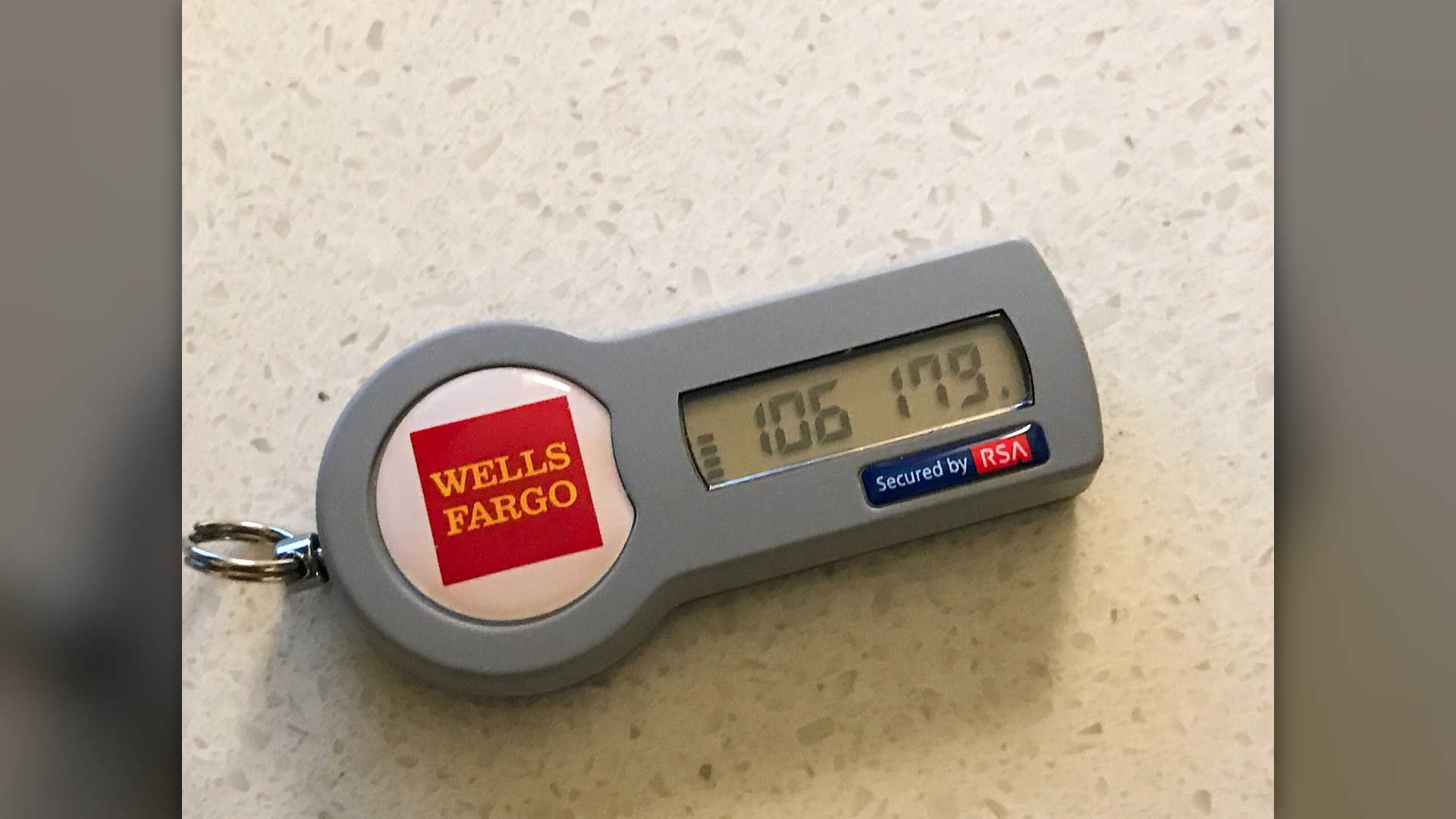
10. Two-Factor Verification Codes You Never Requested
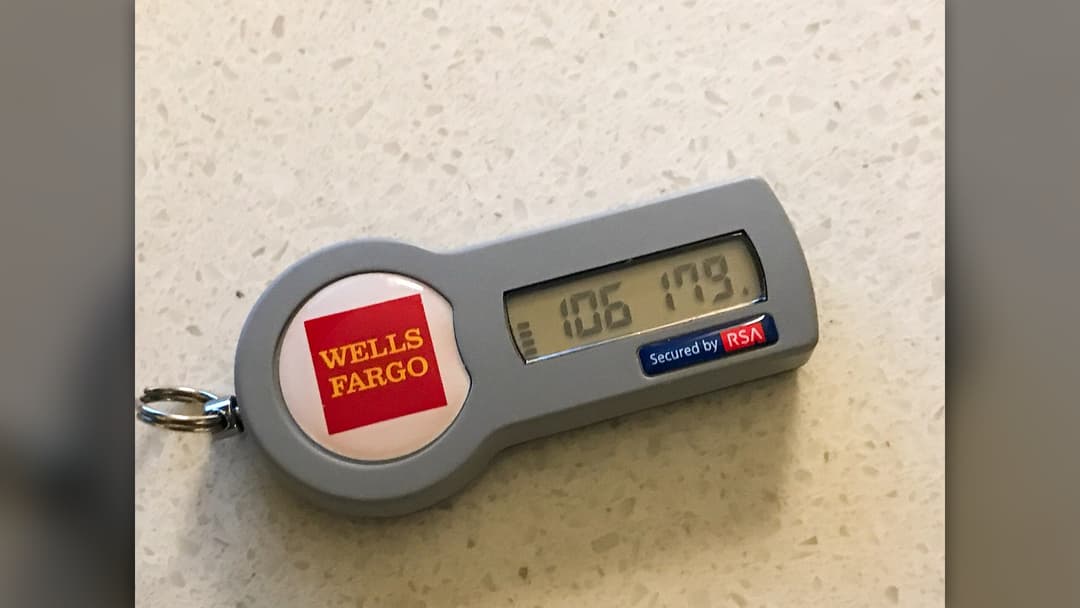
Receiving unprompted one-time passcodes means an attacker already possesses your primary login credentials. Wired cybersecurity reporters emphasize that hackers attempt credential stuffing to breach accounts. If 2FA texts arrive unexpectedly, change master passwords immediately.
©Wikimedia / Tony Webster
Advertisement
Swipe or tap ▶ to resume the countdown.
9. Browser Redirects To Suspicious Websites
Mobile browser hijackers tamper with local DNS settings and default search configurations. Malwarebytes analysts warn that malicious redirects funnel users toward credential harvesting landing pages. Clearing web cache and mobile browser data helps eliminate persistent scripts.

©Pixabay / Firmbee
8. Phone Settings Changed Without Permission
Sophisticated spyware manipulates system permissions to disable security scanners and enable location tracking. Google Android documentation notes that unauthorized accessibility access allows apps to alter settings. Audit device administrator apps to reclaim configuration control.

©Pixabay / kaboompics
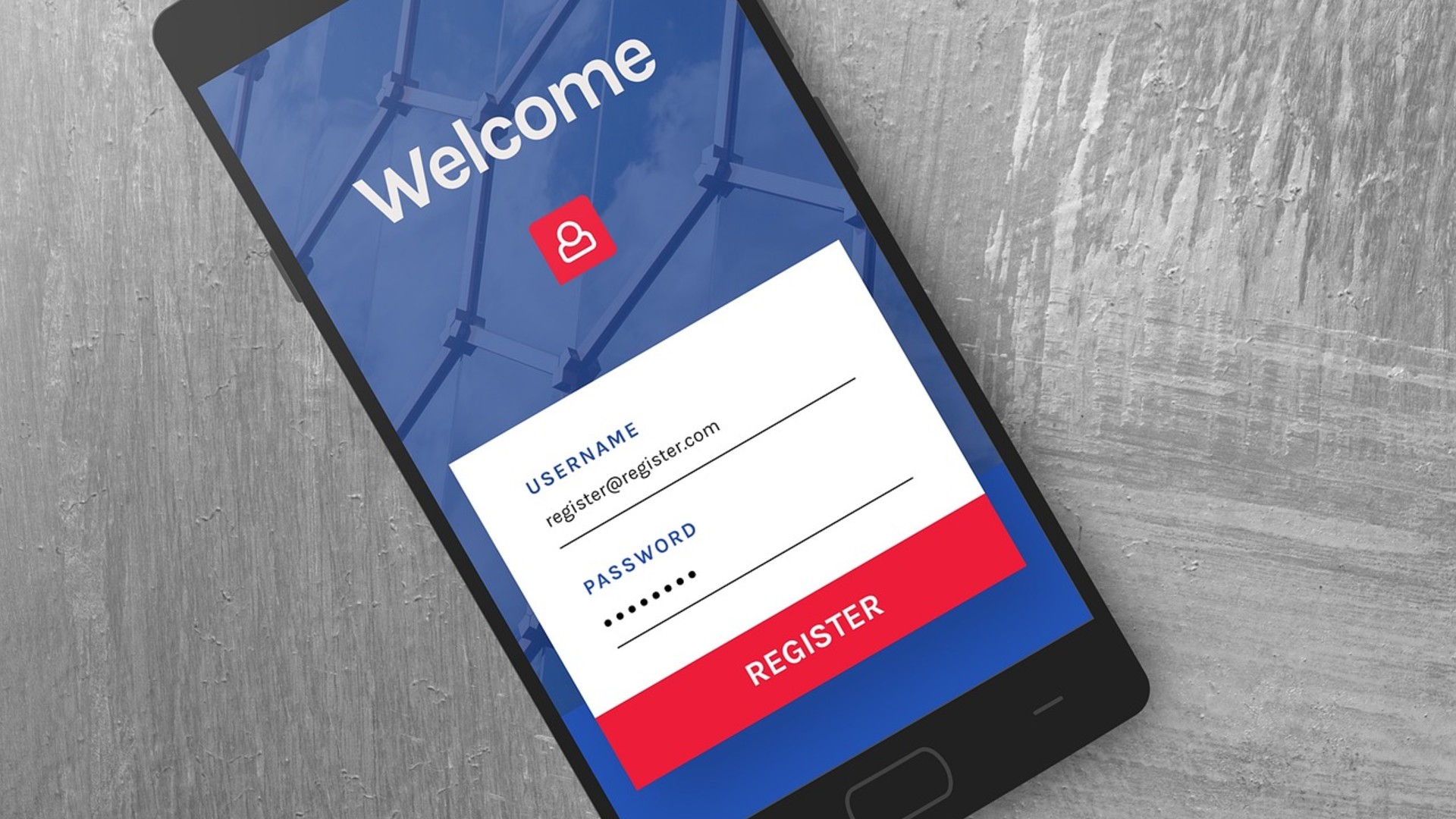
7. Sudden Lockouts From Online Accounts
Hackers use intercepted session tokens or keylogger logs to reset account credentials and lock out the owner. The FBI Internet Crime Complaint Center highlights account takeover as a primary outcome of mobile breaches. Attackers swap recovery email addresses within minutes.
©Pixabay / BiljaST
6. Strange Noises During Phone Calls
While poor reception causes static, persistent clicking sounds can indicate unauthorized call recording or tapping. Norton telecommunication security guides note that antiquated wiretapping bugs produce line interference. Modern digital spyware operates silently, but glitchy implants still leak audio.

©Pixabay / VinzentWeinbeer
Advertisement
Swipe or tap ▶ to resume the countdown.
5. Prolonged Shutdown Delays
When you power down a phone, the operating system attempts to terminate active tasks safely. Cybersecurity specialists at Kaspersky note that spyware frequently resists termination signals to maintain remote connectivity. This struggle creates noticeable delays when shutting down.

©Pixabay / geralt
4. Unsolicited Bluetooth Pairing Requests
Bluebugging attacks allow nearby cybercriminals to access device storage via insecure wireless protocols. The Cybersecurity and Infrastructure Security Agency warns travelers to disable Bluetooth in crowded public spaces. Never accept wireless pairing requests from unknown device names.

©Pixabay / subarasikiai
3. Security Software Disabled Mysteriously
Advanced Android malware actively terminates antivirus engines and turns off Google Play Protect scans. Security analysts at CNET observe that banking trojans require disabling system defenses to operate freely. A disabled security suite is an immediate red flag of compromise.

©Pixabay / pixelcreatures
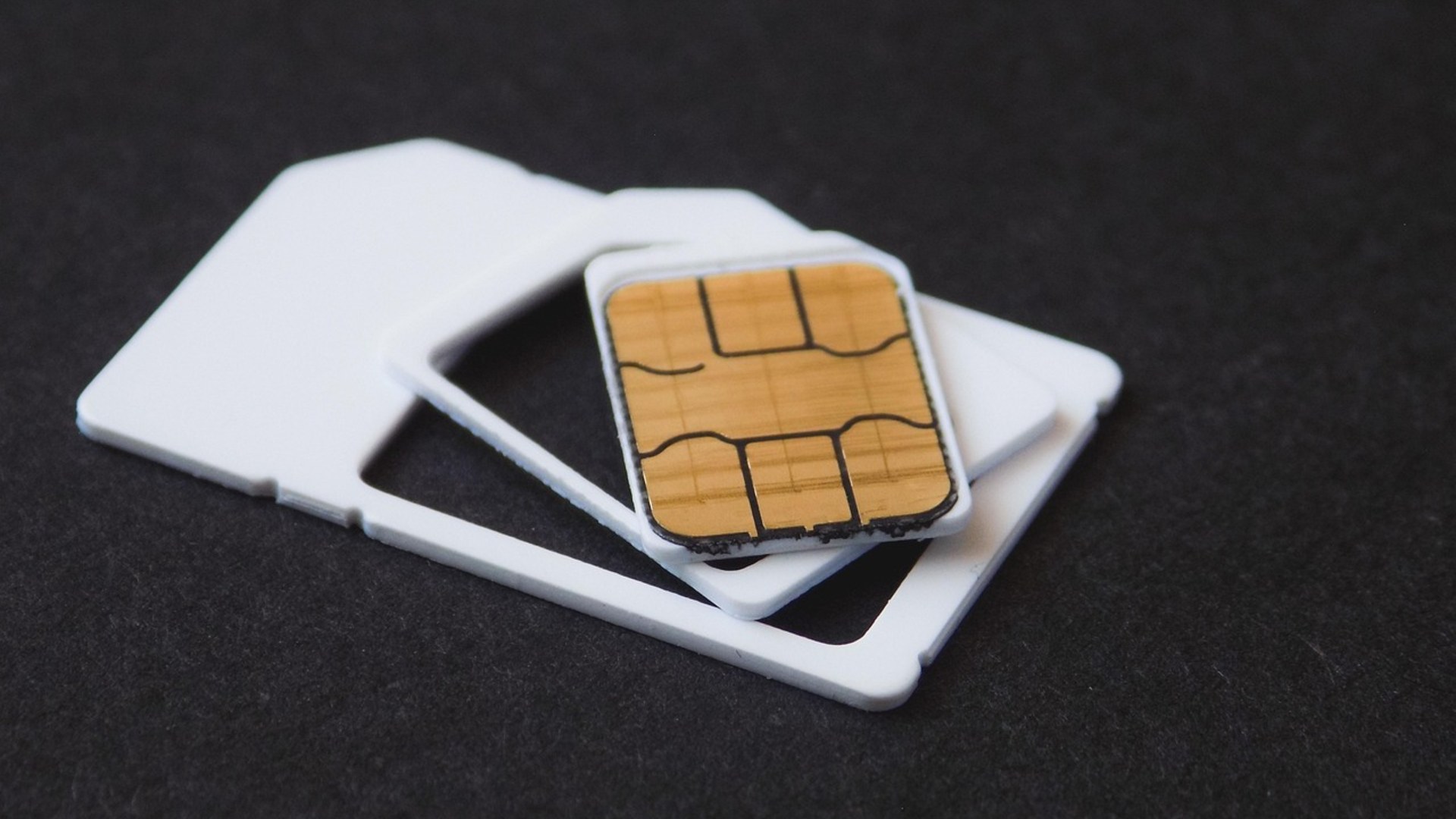
2. Sudden Loss Of Mobile Cellular Service
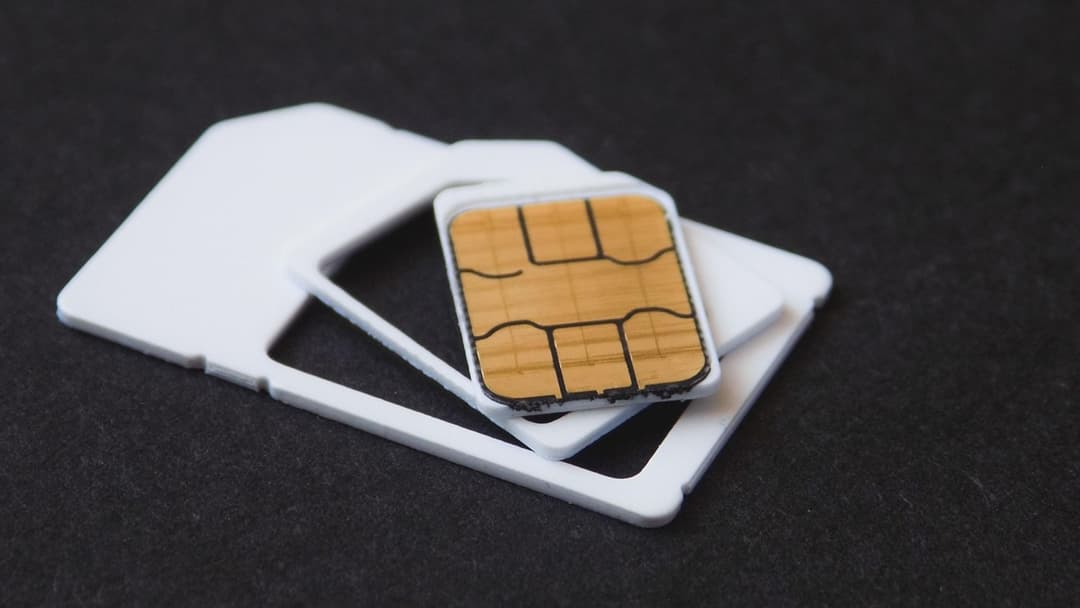
In a SIM swap scam, fraudsters trick your carrier into porting your mobile number to an attacker-controlled SIM card. The Federal Trade Commission reports that SIM swapping gives criminals direct access to SMS verification codes. Contact your cellular provider immediately if service vanishes.
©Pixabay / tomekwalecki
Advertisement
Swipe or tap ▶ to resume the countdown.
1. Unauthorized Bank And Wallet Transactions
Financial loss is the most dangerous consequence of a compromised mobile device. The FBI Internet Crime Complaint Center records millions in annual losses from mobile banking trojans and stolen credentials. Contact financial institutions immediately to freeze compromised accounts.

©Pixabay / Firmbee
Advertisement
You've reached the end of the story. Thanks for reading!

20 Electric Cars Ranked by Driving Range
Modern electric vehicles have shattered early distance barriers through higher energy densities, slippery aerodynamics, and massive battery packs. Official EPA ratings reveal how far today's production models travel on one charge. Here are twenty electric cars, trucks, and SUVs ranked by their maximum driving range.
All 20 Entries in this Story
#20 Rapid Battery Drain
Malicious background processes and spyware keep the processor running constantly. Cybersecurity firm Kaspersky notes that unauthorized tracking tools prevent mobile processors from entering low-power sleep states. This causes sudden battery depletion within hours of a full charge.

#19 Unexplained Spikes In Data Usage
Spyware continuously transmits stolen photos, location logs, and keystrokes to remote command servers. The Federal Trade Commission advises users to inspect monthly cellular billing statements for sudden gigabyte spikes. Hidden background uploads often occur across cellular connections.

#18 Excessive Overheating While Idle
Hardware heats up when malicious background mining scripts or monitoring tools max out CPU cores. Security researchers at Norton report that rogue apps run demanding calculations continuously. A phone should stay cool when the screen is locked and no heavy apps are open.

#17 Unfamiliar Apps On Home Screen
Trojans frequently download secondary malware payloads after establishing root access. Google Android security guidelines urge owners to audit the full applications menu in device settings. Sideloaded spyware often mimics system utilities like calculator or update tools.

#16 Sluggish Performance And Constant Freezing
Hostile programs consume system memory and processor threads, choking normal device operation. CNET tech specialists document that infected phones often freeze during simple typing or app switching. Resource exhaustion indicates that unauthorized code is dominating background memory.

#15 Strange Outgoing Calls And Texts
Worm malware hijacks contact address books to propagate malicious phishing links via SMS. The Cybersecurity and Infrastructure Security Agency warns that infected devices auto-dial premium rate numbers. Check your outgoing call history regularly to catch automated dialing schemes.

#14 Intrusive Pop-Up Ads On The Screen
Adware infections generate persistent on-screen pop-ups even while sitting on the home screen. Security analysts at Malwarebytes explain that malicious developers use adware to generate fraudulent impressions. These intrusive banners bypass standard mobile ad-blocking controls.

#13 Mysterious Camera And Mic Indicators
Modern iOS and Android systems display visual indicator dots whenever sensors activate. Apple Support documentation confirms that green and orange dots signal active recording hardware. If these indicators appear while idle, a background surveillance tool is listening or recording.

#12 Spontaneous Restarts And Shutdowns
Unstable root exploits and buggy malware payloads frequently trigger system kernel crashes. Kaspersky security researchers explain that rogue privilege-escalation scripts destabilize firmware routines. Regular unexpected reboot cycles point toward deep software tampering.

#11 Surprise Charges On Your Phone Bill
Toll-fraud malware secretly subscribes victims to recurring premium SMS services. The Federal Trade Commission warns consumers that rogue apps rack up hundreds of dollars in hidden charges. Scrutinize line items on monthly telecom invoices to detect silent carrier billing fraud.

#10 Two-Factor Verification Codes You Never Requested
Receiving unprompted one-time passcodes means an attacker already possesses your primary login credentials. Wired cybersecurity reporters emphasize that hackers attempt credential stuffing to breach accounts. If 2FA texts arrive unexpectedly, change master passwords immediately.

#9 Browser Redirects To Suspicious Websites
Mobile browser hijackers tamper with local DNS settings and default search configurations. Malwarebytes analysts warn that malicious redirects funnel users toward credential harvesting landing pages. Clearing web cache and mobile browser data helps eliminate persistent scripts.

#8 Phone Settings Changed Without Permission
Sophisticated spyware manipulates system permissions to disable security scanners and enable location tracking. Google Android documentation notes that unauthorized accessibility access allows apps to alter settings. Audit device administrator apps to reclaim configuration control.

#7 Sudden Lockouts From Online Accounts
Hackers use intercepted session tokens or keylogger logs to reset account credentials and lock out the owner. The FBI Internet Crime Complaint Center highlights account takeover as a primary outcome of mobile breaches. Attackers swap recovery email addresses within minutes.

#6 Strange Noises During Phone Calls
While poor reception causes static, persistent clicking sounds can indicate unauthorized call recording or tapping. Norton telecommunication security guides note that antiquated wiretapping bugs produce line interference. Modern digital spyware operates silently, but glitchy implants still leak audio.

#5 Prolonged Shutdown Delays
When you power down a phone, the operating system attempts to terminate active tasks safely. Cybersecurity specialists at Kaspersky note that spyware frequently resists termination signals to maintain remote connectivity. This struggle creates noticeable delays when shutting down.

#4 Unsolicited Bluetooth Pairing Requests
Bluebugging attacks allow nearby cybercriminals to access device storage via insecure wireless protocols. The Cybersecurity and Infrastructure Security Agency warns travelers to disable Bluetooth in crowded public spaces. Never accept wireless pairing requests from unknown device names.

#3 Security Software Disabled Mysteriously
Advanced Android malware actively terminates antivirus engines and turns off Google Play Protect scans. Security analysts at CNET observe that banking trojans require disabling system defenses to operate freely. A disabled security suite is an immediate red flag of compromise.

#2 Sudden Loss Of Mobile Cellular Service
In a SIM swap scam, fraudsters trick your carrier into porting your mobile number to an attacker-controlled SIM card. The Federal Trade Commission reports that SIM swapping gives criminals direct access to SMS verification codes. Contact your cellular provider immediately if service vanishes.

#1 Unauthorized Bank And Wallet Transactions
Financial loss is the most dangerous consequence of a compromised mobile device. The FBI Internet Crime Complaint Center records millions in annual losses from mobile banking trojans and stolen credentials. Contact financial institutions immediately to freeze compromised accounts.