Slideshow · Technology
20 Gadgets With Built-In Settings That Fix Daily Annoyances
From phones that lose charge overnight to vacuums that die mid-room, default factory settings prioritize demos over daily comfort. Based on official support guides from Apple, Google, Samsung, Sony, Bose, Dyson, Roku and Nintendo, these 20 built-in toggles fix battery drain, stray alerts, tracking and glare.



All 20 Entries in this Story
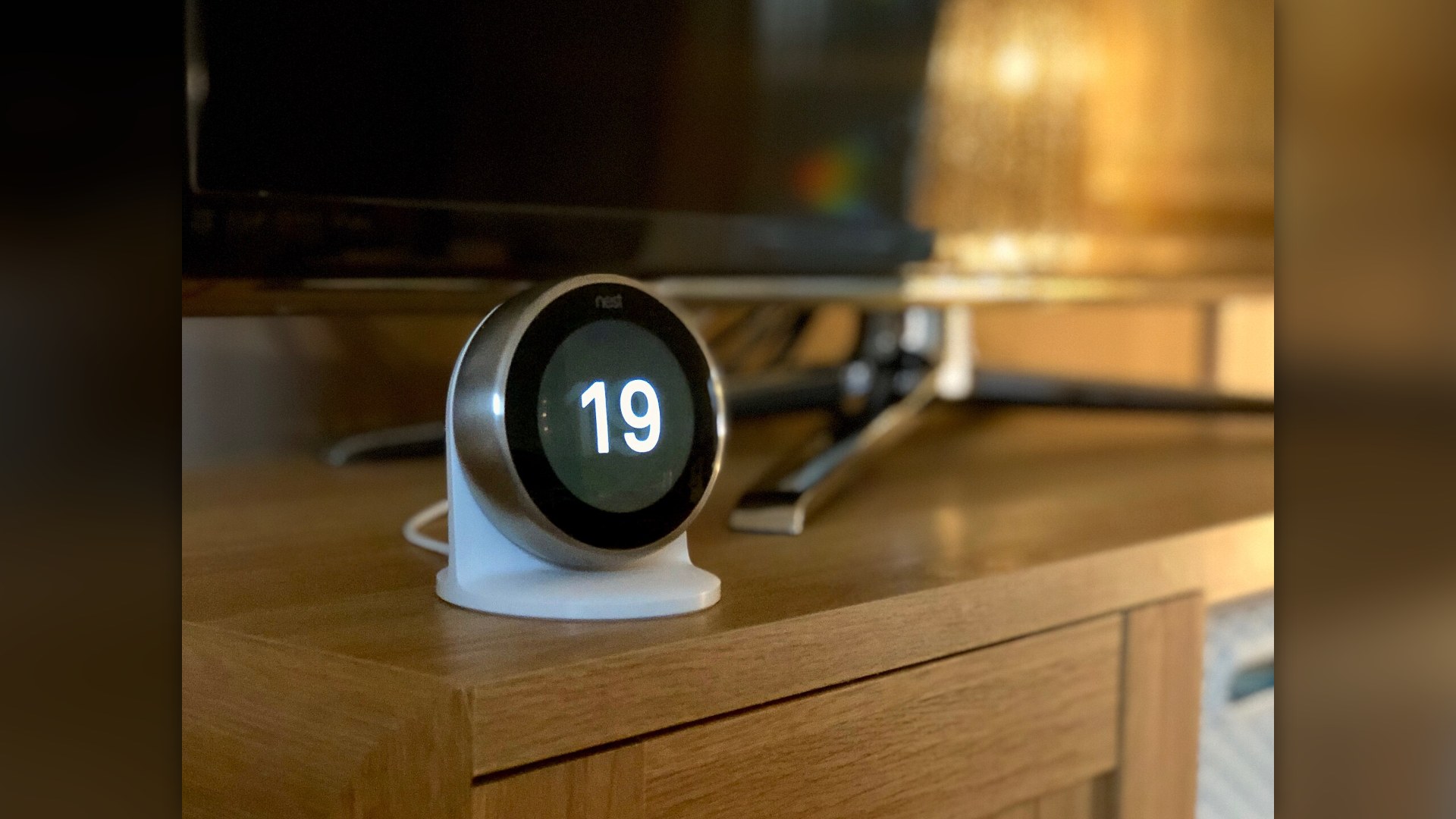
20. Nest Learning Thermostat
In the Nest or Google Home app, enabling Home and Away Assist pairs phone location with built-in motion sensors. Once nobody is home, the dial drops to your chosen Eco Temperatures automatically. Turn off Auto-Schedule if erratic manual tweaks keep teaching the thermostat unwanted temperature spikes.
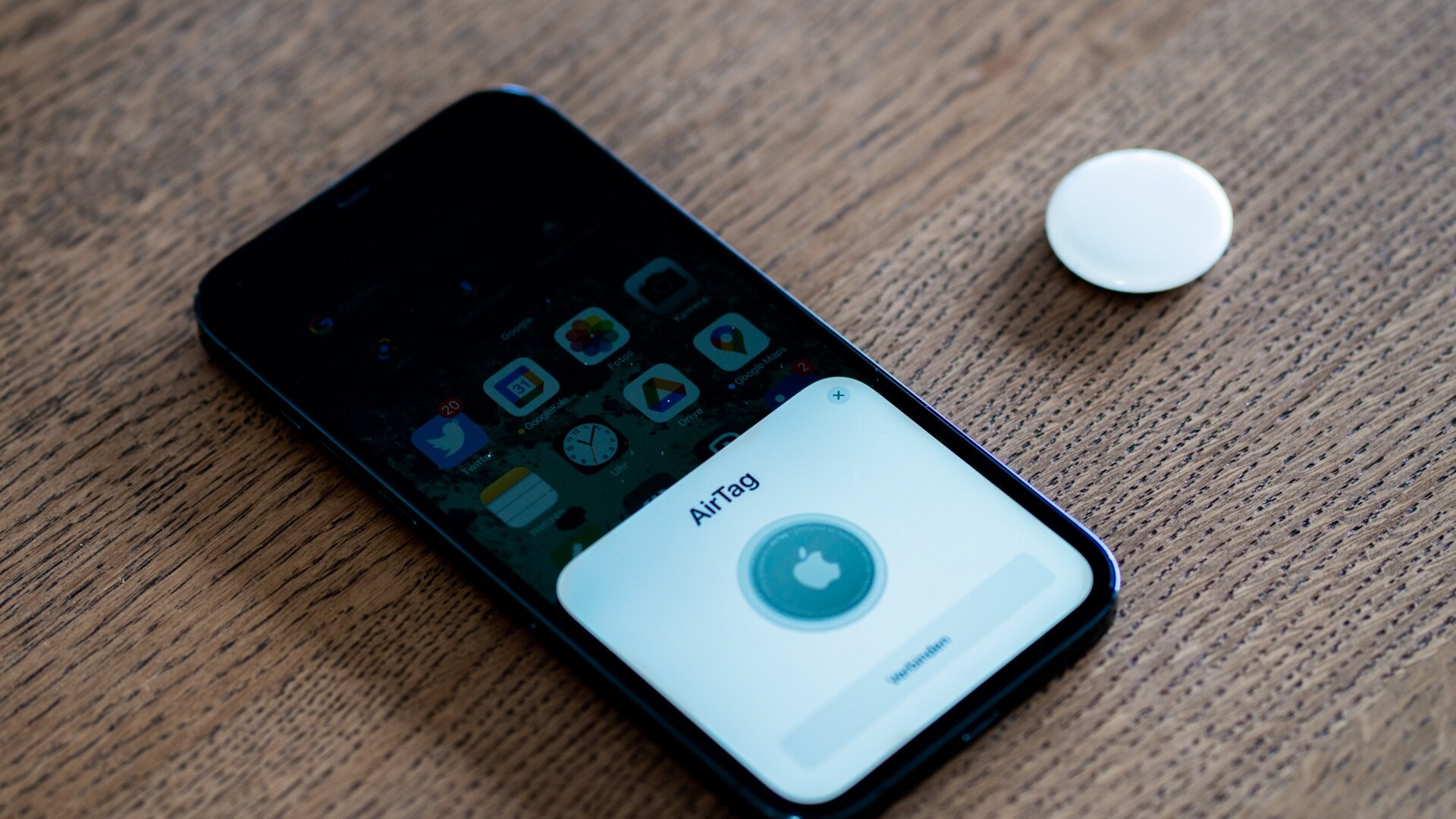
19. Apple AirTag
Open the Find My app, select your AirTag under Items, and tap Notify When Left Behind. Once enabled, your iPhone sends an alert within minutes of walking away from tagged bags or keys. You can add Trusted Locations like home or your office so familiar spots never trigger false alarms.
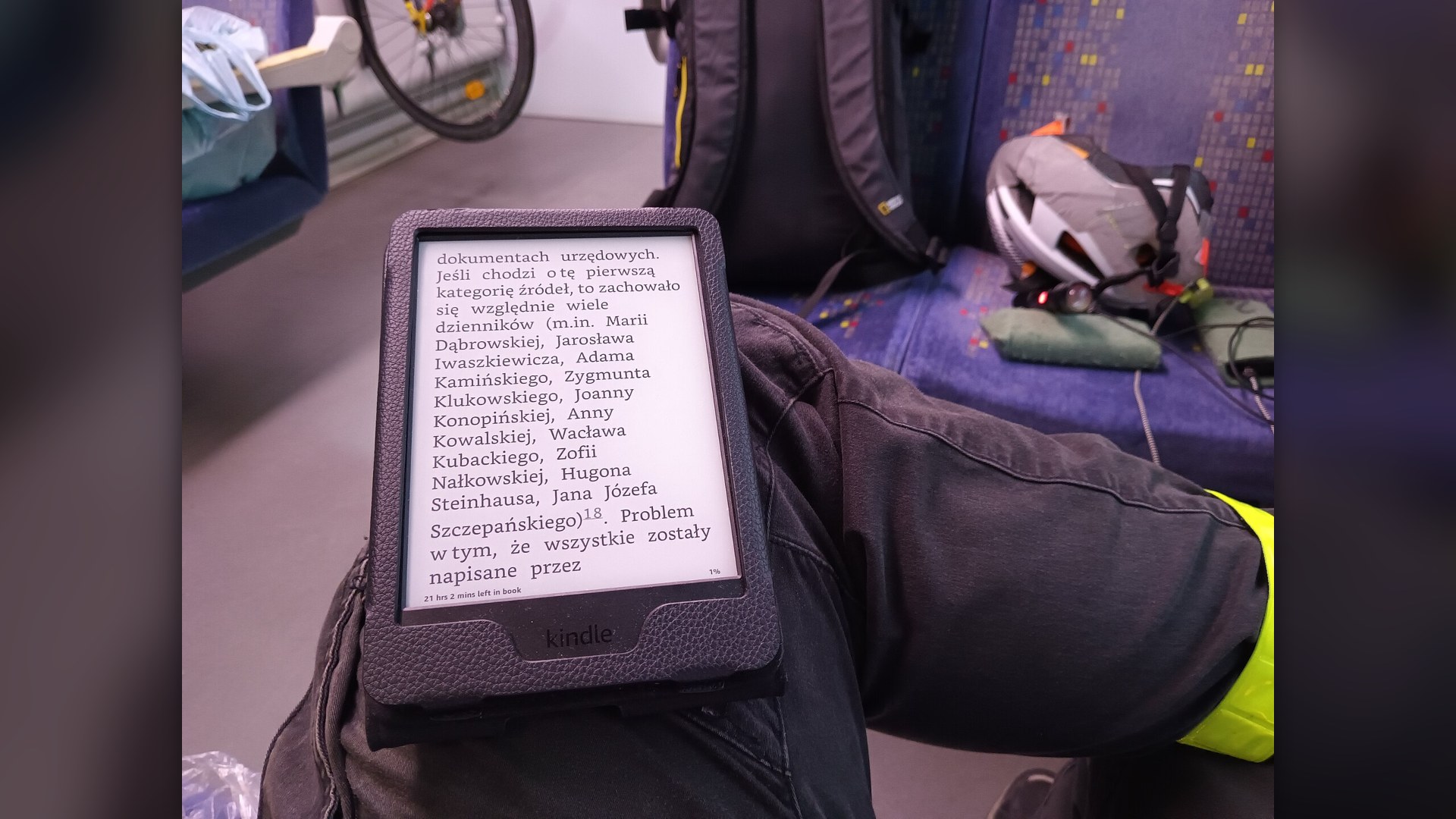
18. Amazon Kindle Paperwhite
Under All Settings, Reading Options, turning off Page Refresh stops the e-ink screen from flashing black on every single page turn. Switching on Airplane Mode between book downloads disables constant background Wi-Fi polling. With radios off, a single USB-C charge easily lasts weeks of nightly reading.
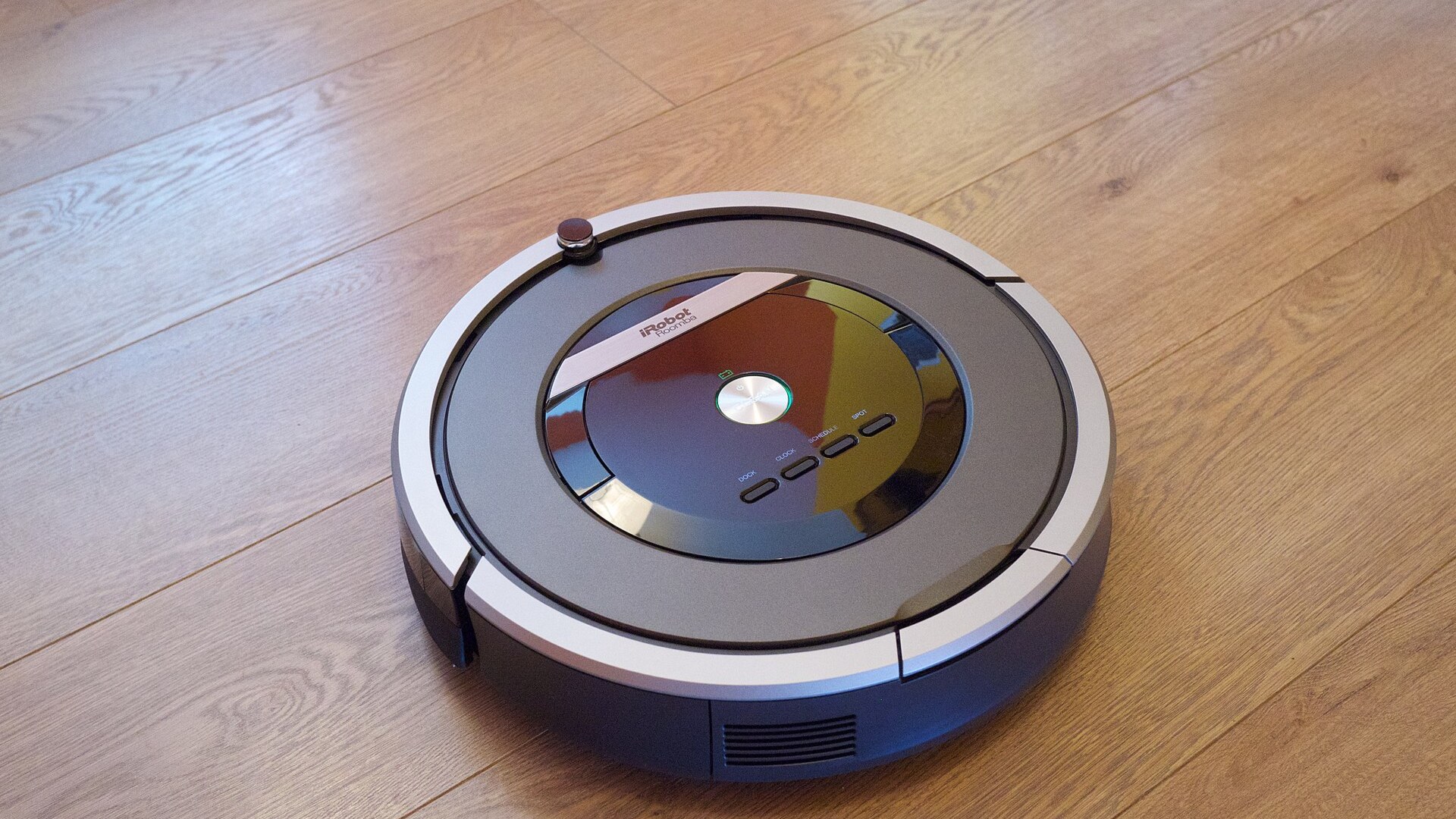
17. iRobot Roomba
Inside the iRobot Home app, you can draw rectangular Keep Out Zones around pet water bowls, holiday trees, or loose desk cables on your saved floor map. Adding a Do Not Disturb window blocks scheduled cleanings overnight. Together they save you from rescuing a stuck vacuum every morning.
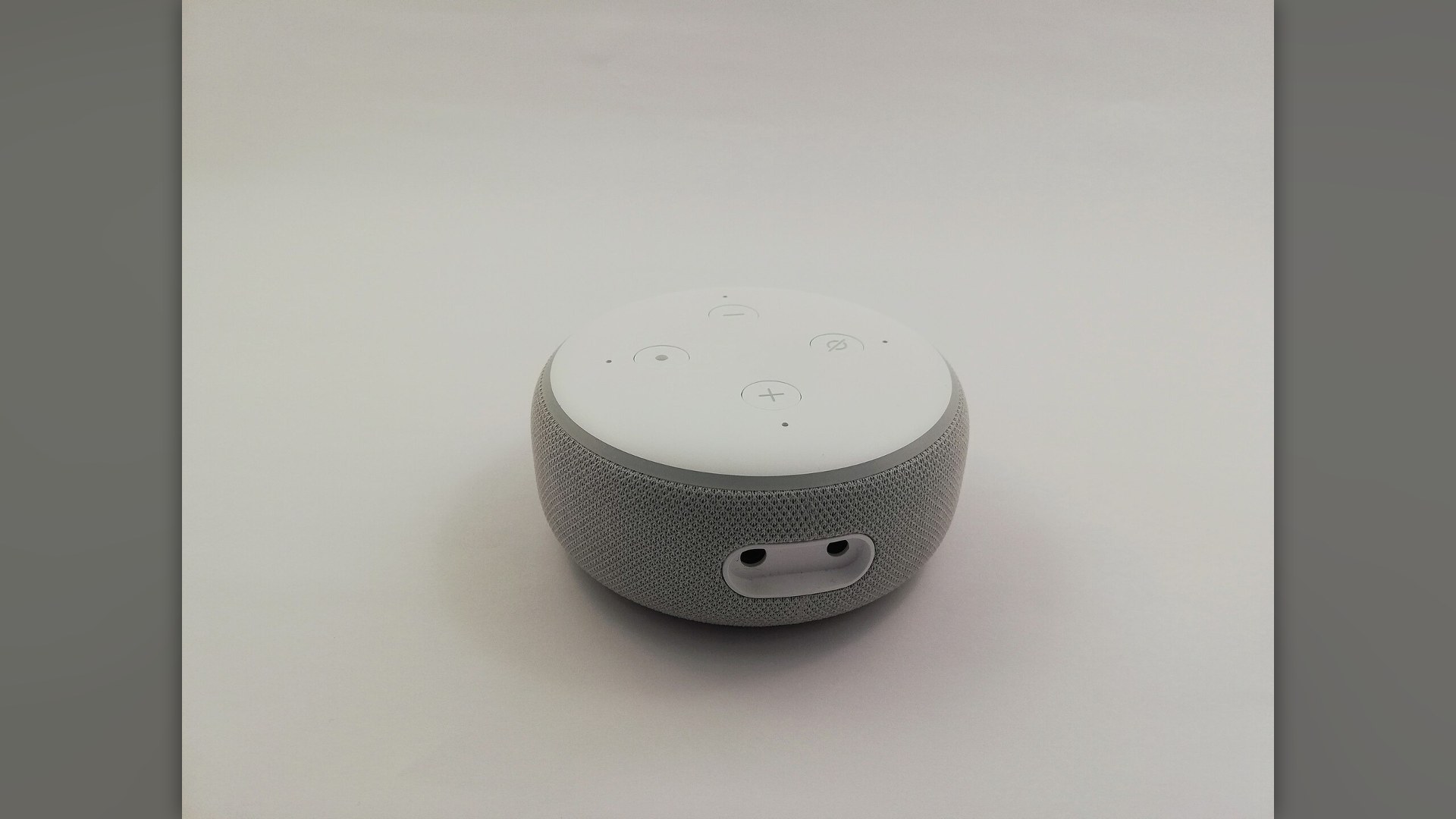
16. Amazon Echo Dot
In the Alexa app under More, Settings, Voice Responses, toggling on Brief Mode stops the speaker from saying 'Okay' after every light switch command. Instead, the Echo Dot plays a short, soft chime. Pairing that with Whisper Mode lets you ask for morning alarms at night without waking the bedroom.
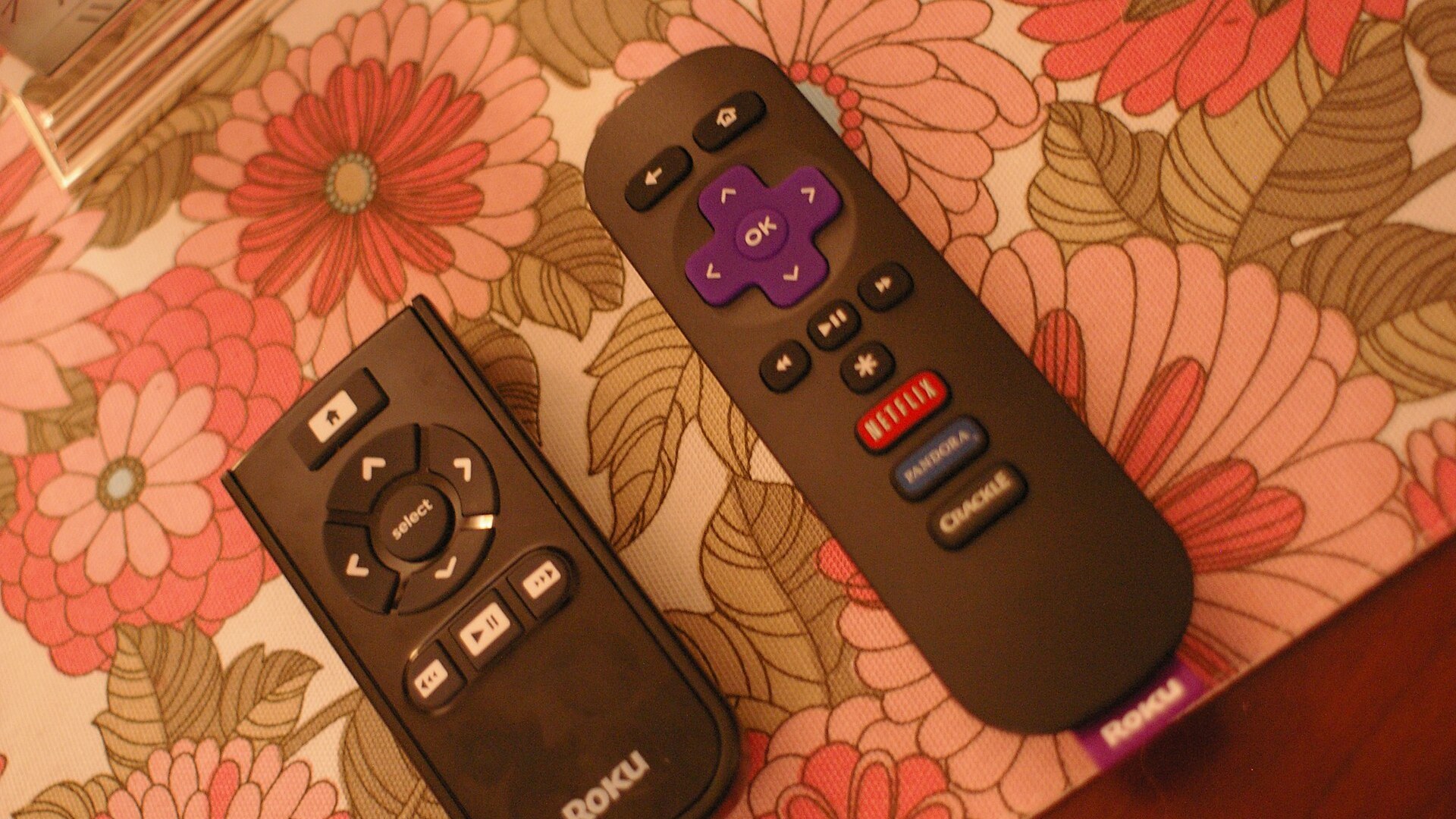
15. Roku Voice Remote
On a Roku Voice Remote Pro, sliding the physical mic switch off disables always-on wake listening and stretches battery life between charges. On any Roku player, opening the free Roku mobile app and tapping the headphone icon routes TV audio straight to your Bluetooth earbuds for quiet night viewing.
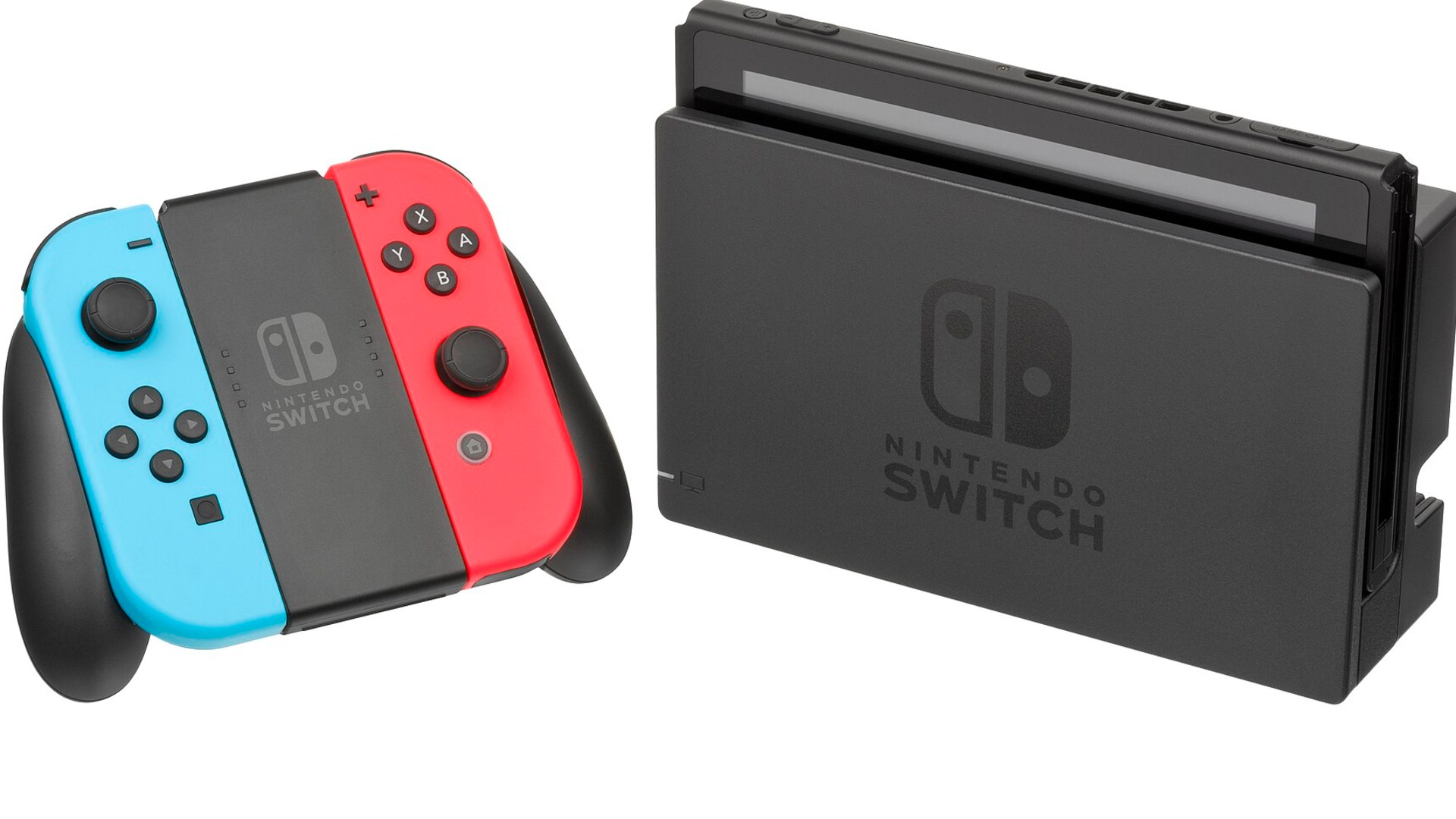
14. Nintendo Switch
Open System Settings, scroll to TV Settings, and switch on Match TV Power State. Dropping the console into its dock or pressing the Home button then powers on your television and jumps straight to the right HDMI port. Enabling Auto-Lock and Sleep timers keeps handheld batteries ready for travel.
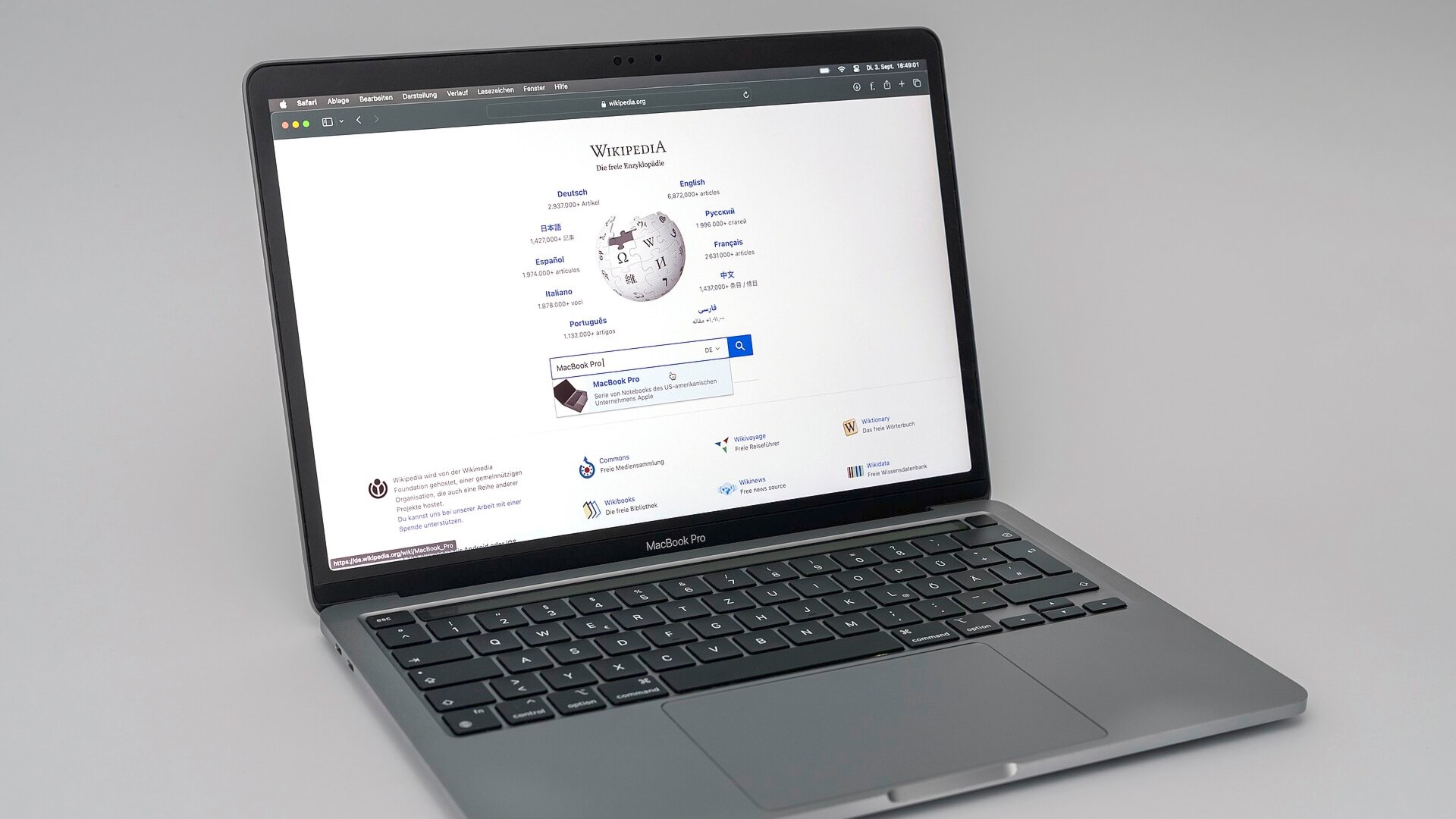
13. Apple MacBook Pro
Open System Settings, Desktop and Dock, and click Hot Corners at the bottom of the window. Assigning Lock Screen or Mission Control to a corner lets you secure your MacBook Pro or clear cluttered windows with one quick pointer flick. Adding Low Power Mode on battery also quiets fan noise during long flights.
12. PlayStation 5 DualSense
A quick press of the small button below the PlayStation logo mutes the built-in DualSense microphone. Holding that same button for two seconds mutes your television speakers immediately when someone walks in to talk. In Settings under Accessories, dimming controller lights saves extra battery.
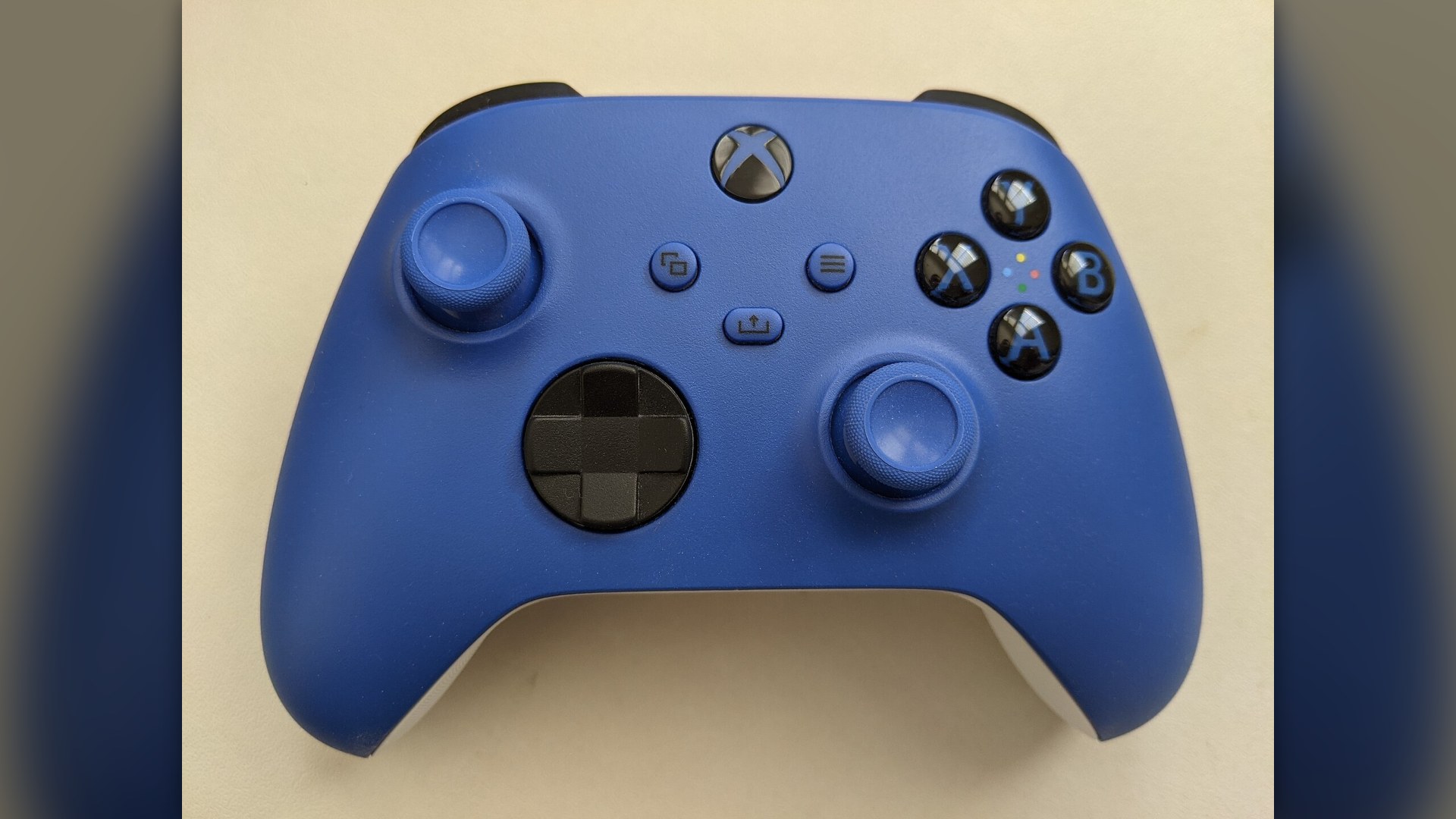
11. Xbox Wireless Controller
Launch the Xbox Accessories app on your console to swap thumbstick clicks or remap awkward triggers on standard wireless pads. Under Settings, Accessibility, Night Mode, you can dim the glowing white Xbox guide button down to zero. That stops controller glare from reflecting off OLED TV screens.
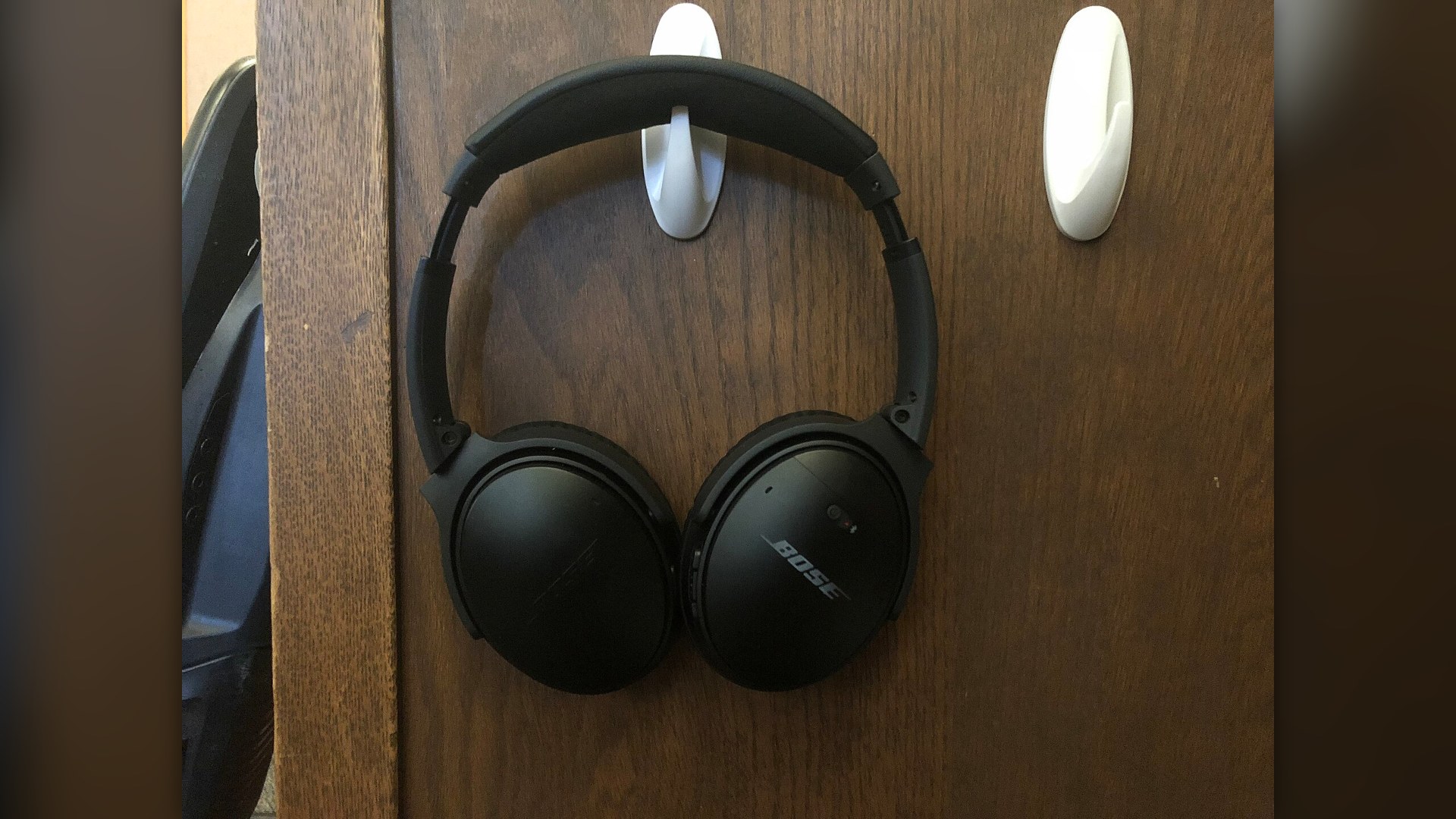
10. Bose QuietComfort Headphones
In the Bose mobile app, turning on Self Voice lets you hear your own voice naturally during phone calls instead of shouting over tight earcup seals. Setting the Standby Timer to 20 minutes powers the headset down automatically when left off your head. You can also customize the Action button for quick mode swaps.
9. Garmin Forerunner Watch
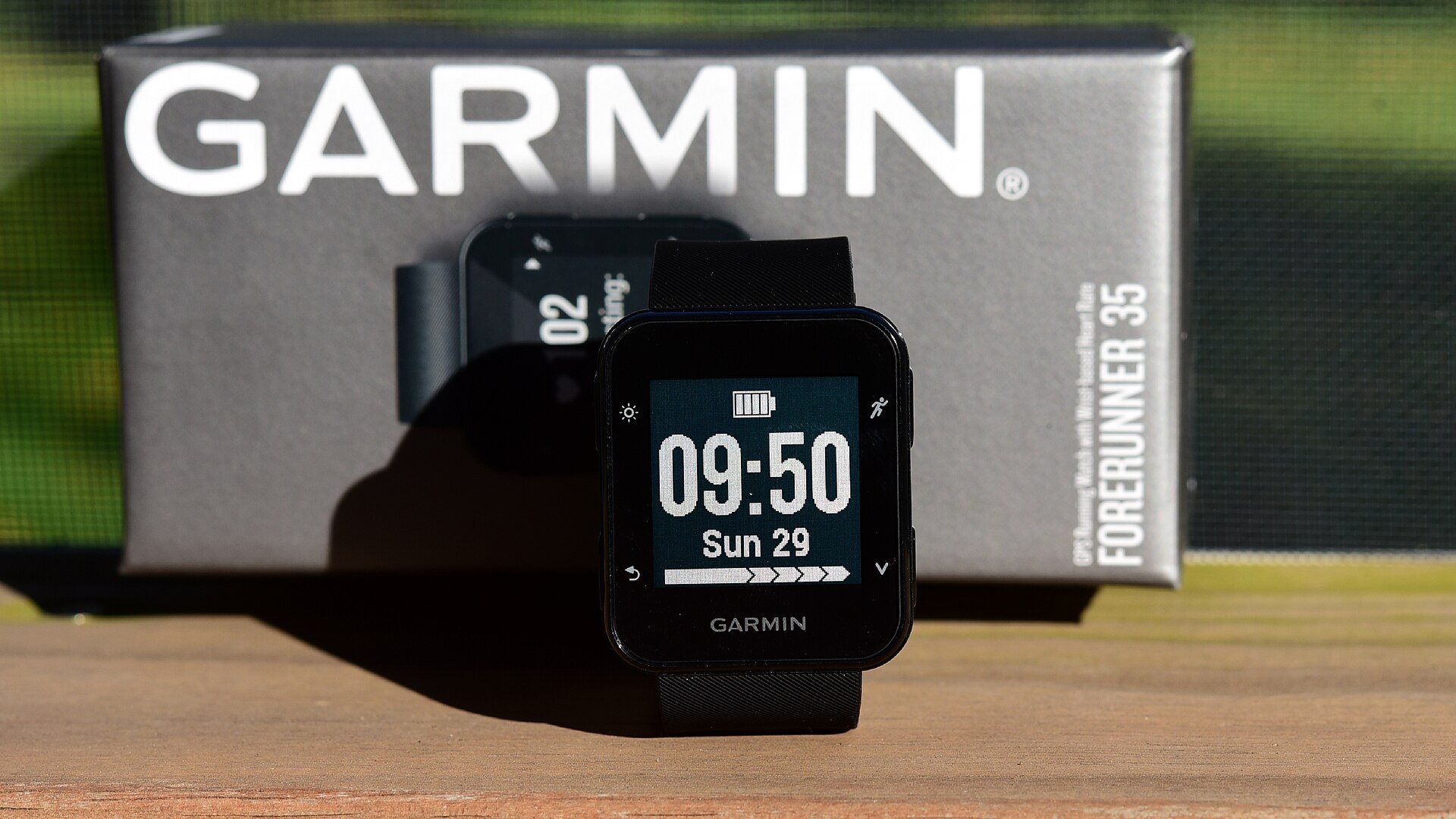
Continuous blood-oxygen tracking is one of the fastest battery drains on a Garmin running watch. Opening Sensors and Accessories, Pulse Ox, and switching Tracking Mode from All Day to Manual Check or During Sleep recovers days of runtime. Enabling Sleep Mode also dims the wrist display overnight.
8. Apple AirPods Pro
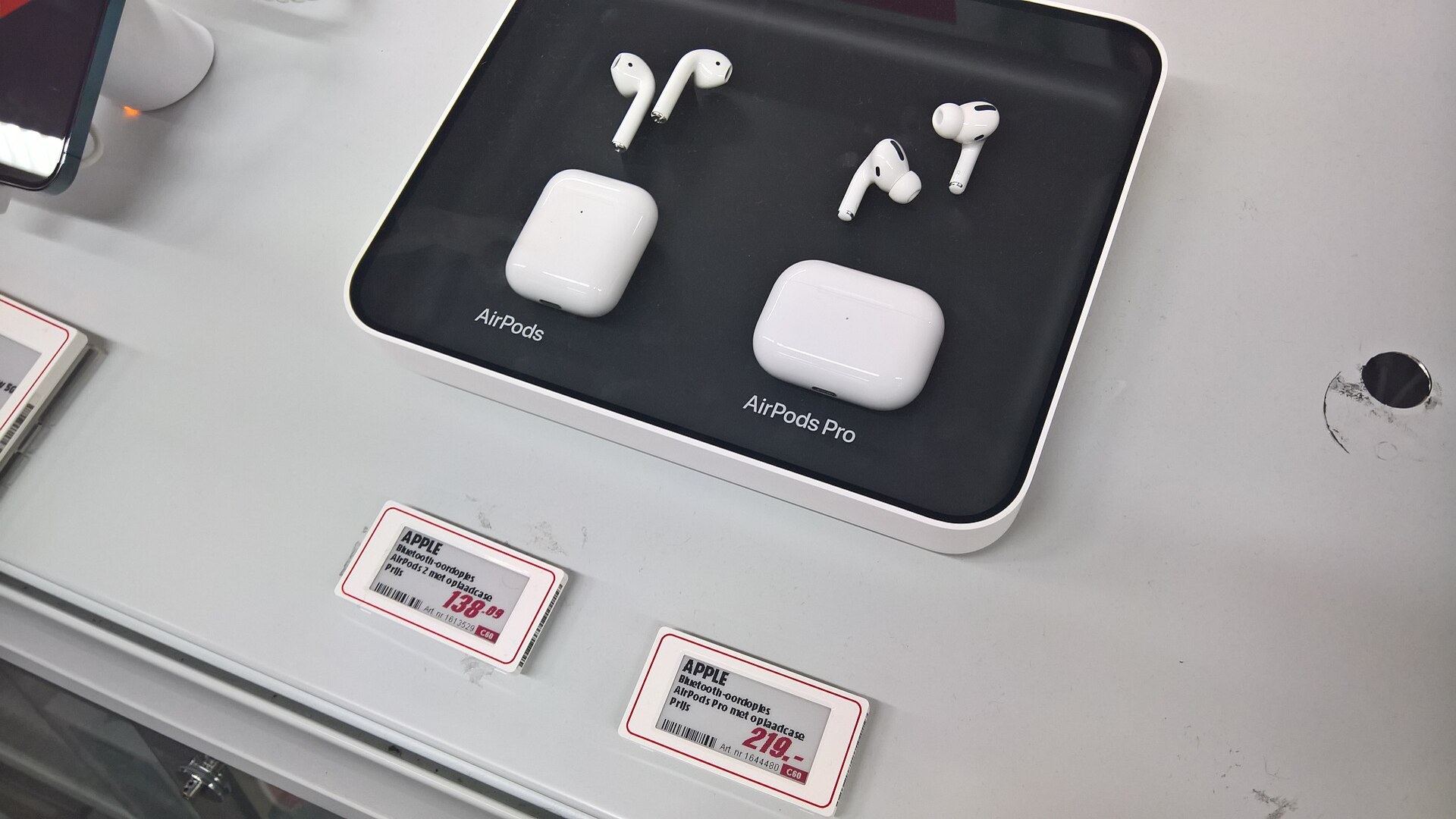
With AirPods Pro connected to an iPhone, open Settings, tap your AirPods, and turn on Conversation Awareness under Adaptive Audio. The earbuds detect your voice, lower media playback, and cut background noise automatically. Enabling Personalized Volume also prevents loud tracks from blasting in quiet rooms.
7. Logitech MX Master 3S Mouse
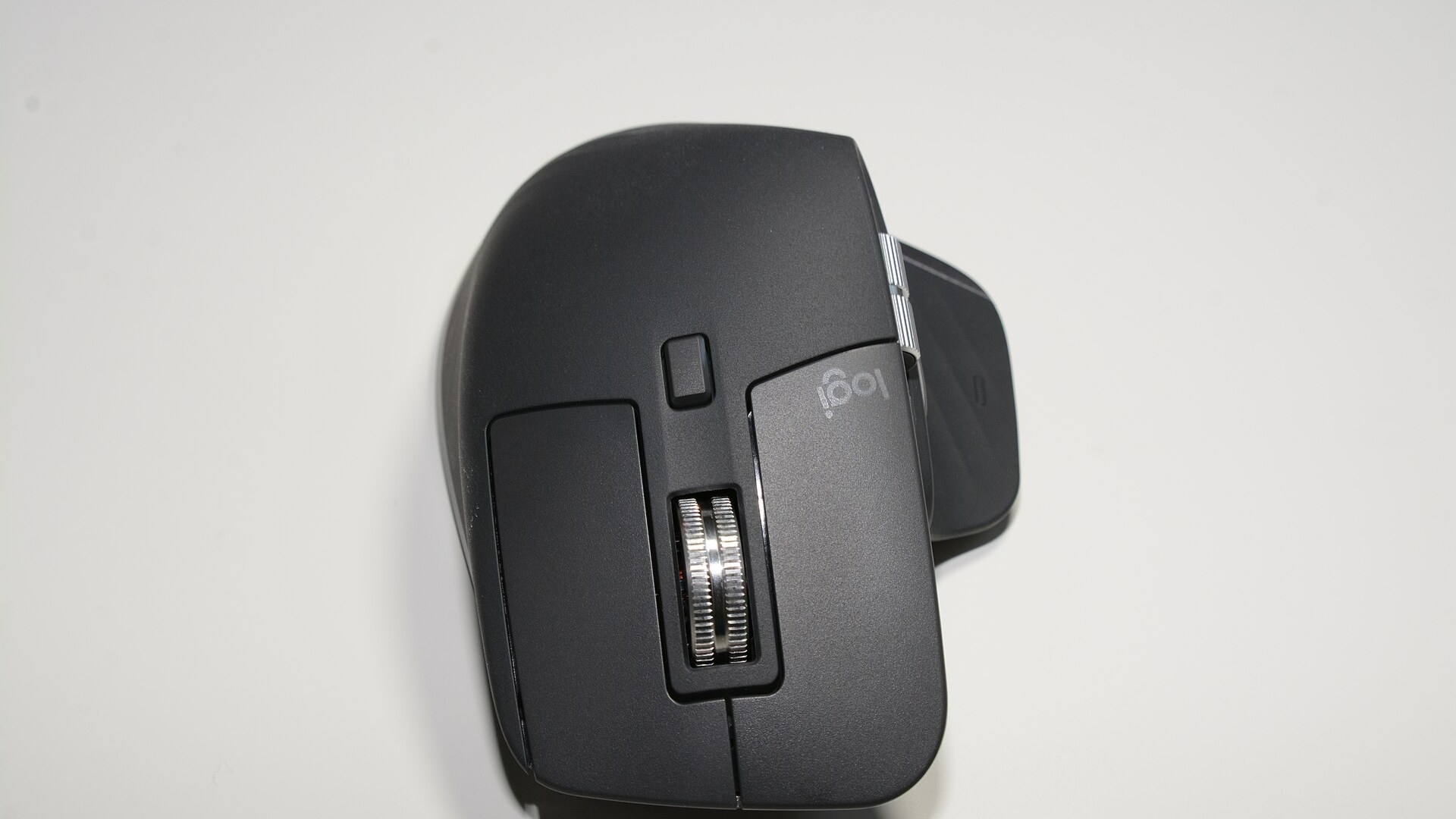
Press the small button behind the MX Master 3S scroll wheel to switch between crisp line-by-line clicks and silent free-spin coasting. Inside the Logi Options+ app, tuning SmartShift sensitivity makes a firm flick shift into free-spin automatically. You can also assign app-specific shortcuts to the thumb wheel.
6. Apple Watch
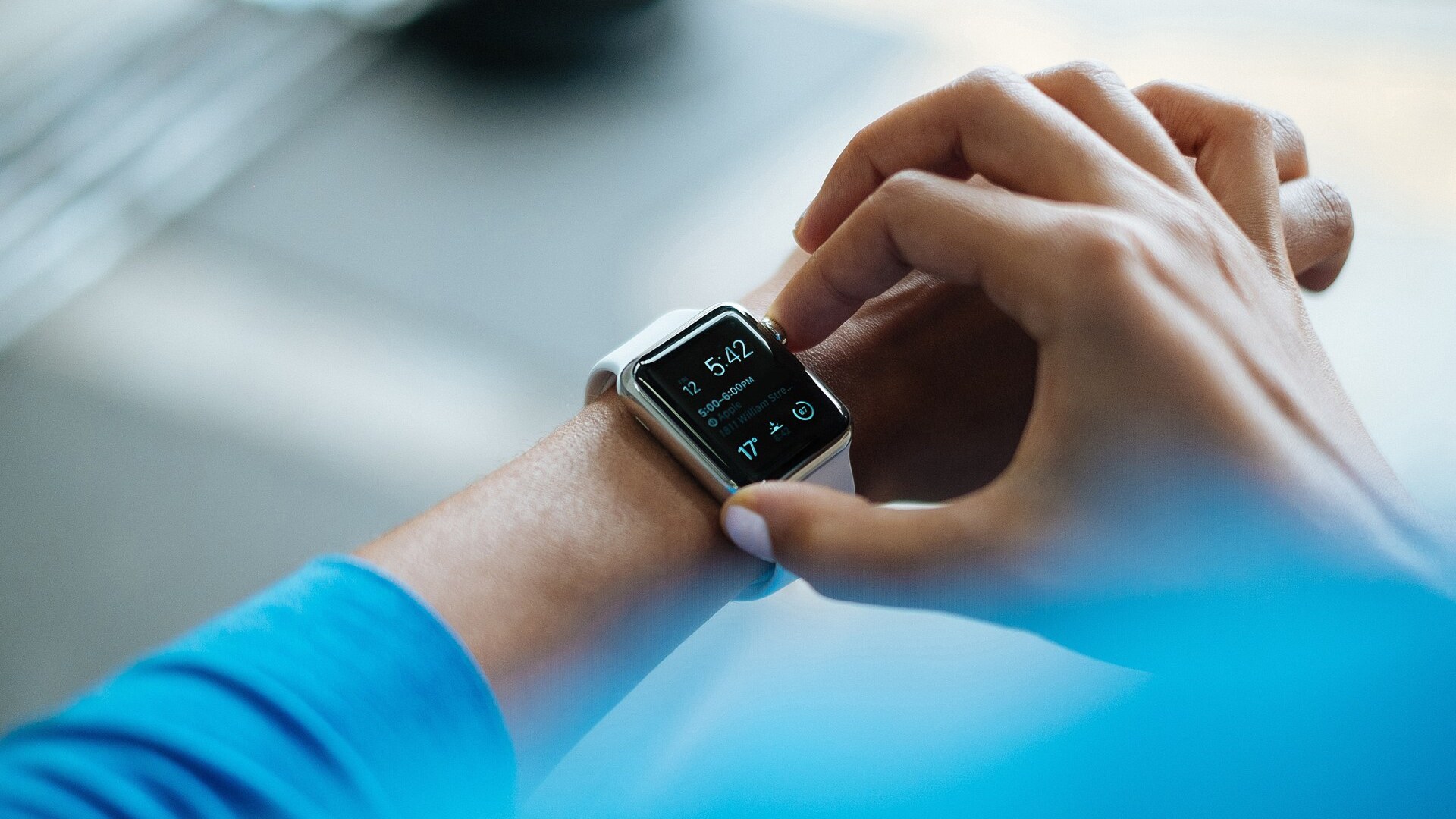
Open the Watch app on your iPhone, select Gestures, and make sure Cover to Mute is switched on. Resting your palm over the Apple Watch face for three seconds silences an incoming call or alarm and turns the screen off. Turning on Theater Mode from Control Center keeps the display dark until tapped.
5. Samsung Galaxy Smartphone
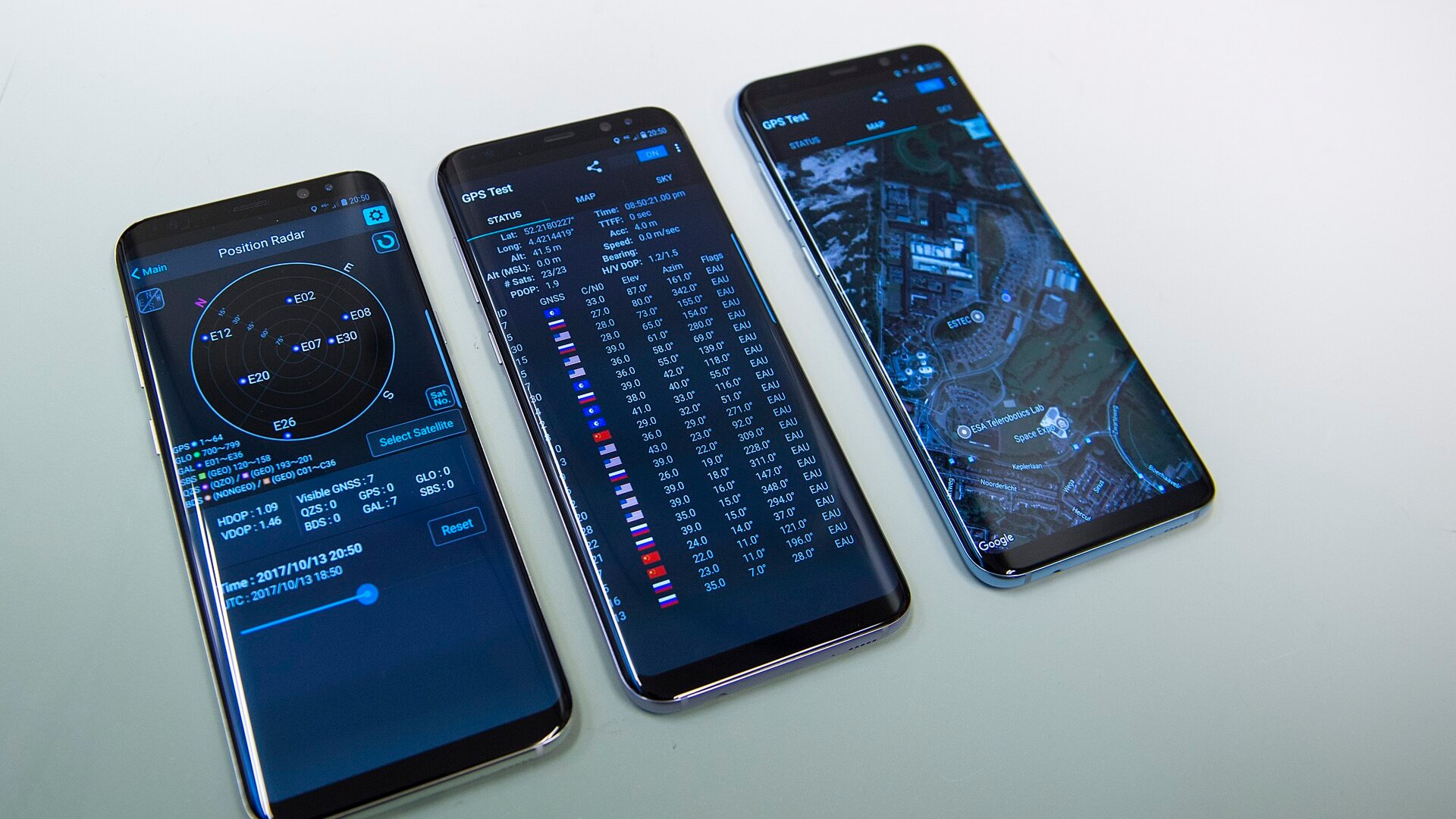
Head to Settings, Battery, Battery Protection on a Samsung Galaxy phone and pick Adaptive or Maximum mode. Maximum stops charging at 80 percent, while Adaptive pauses at 80 percent overnight and tops up right before your morning alarm. Both reduce heat stress on lithium-ion cells over years of daily plugging in.
4. Google Pixel Smartphone
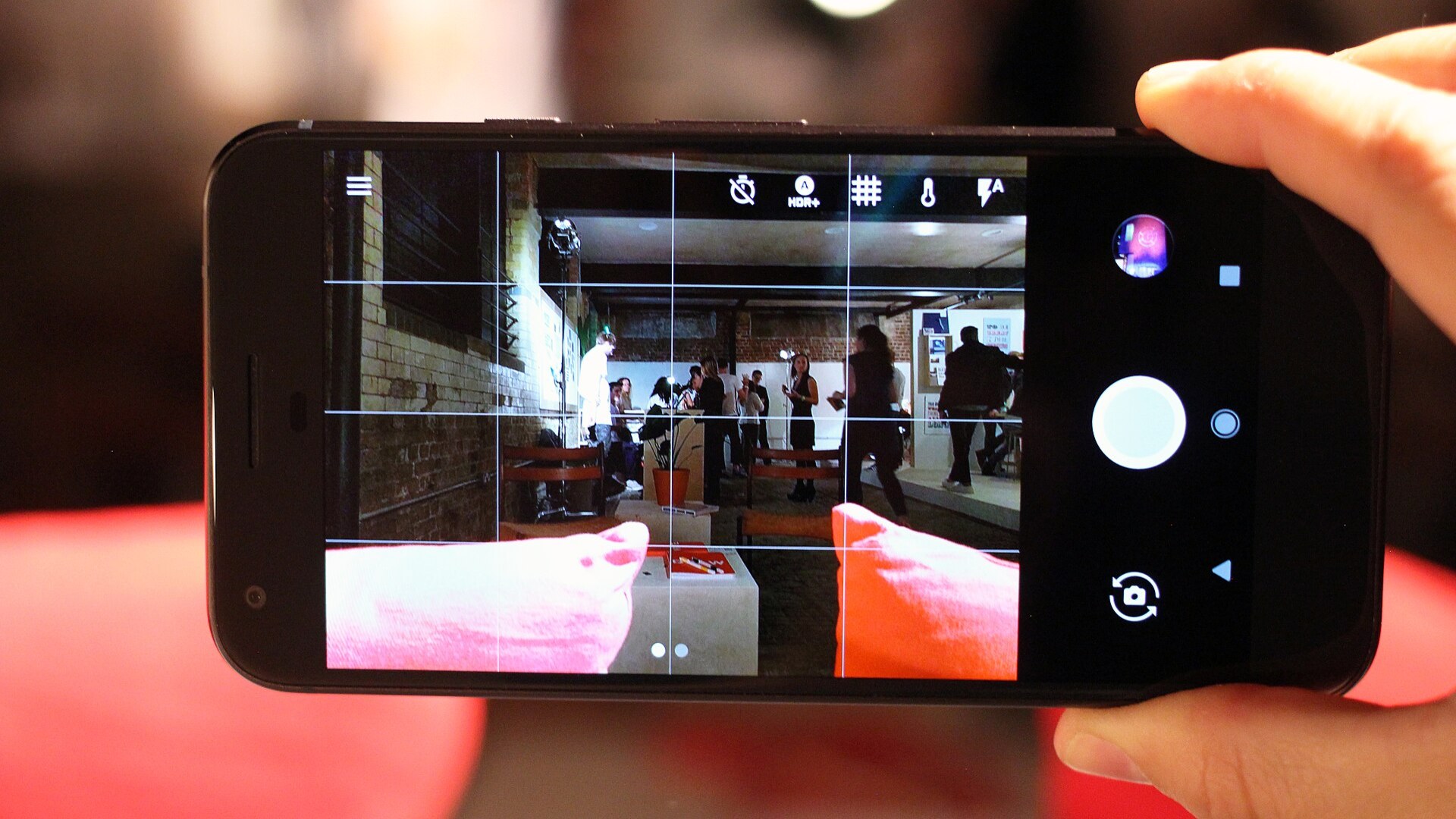
In Settings, System, Gestures, switch on Flip to Shhh on any Google Pixel. Placing the phone face down on a desk or nightstand triggers a soft vibration and silences notifications without unlocking the screen. Turning on Call Screen under the Phone app menu also filters suspected spam calls automatically.
3. LG OLED Smart TV
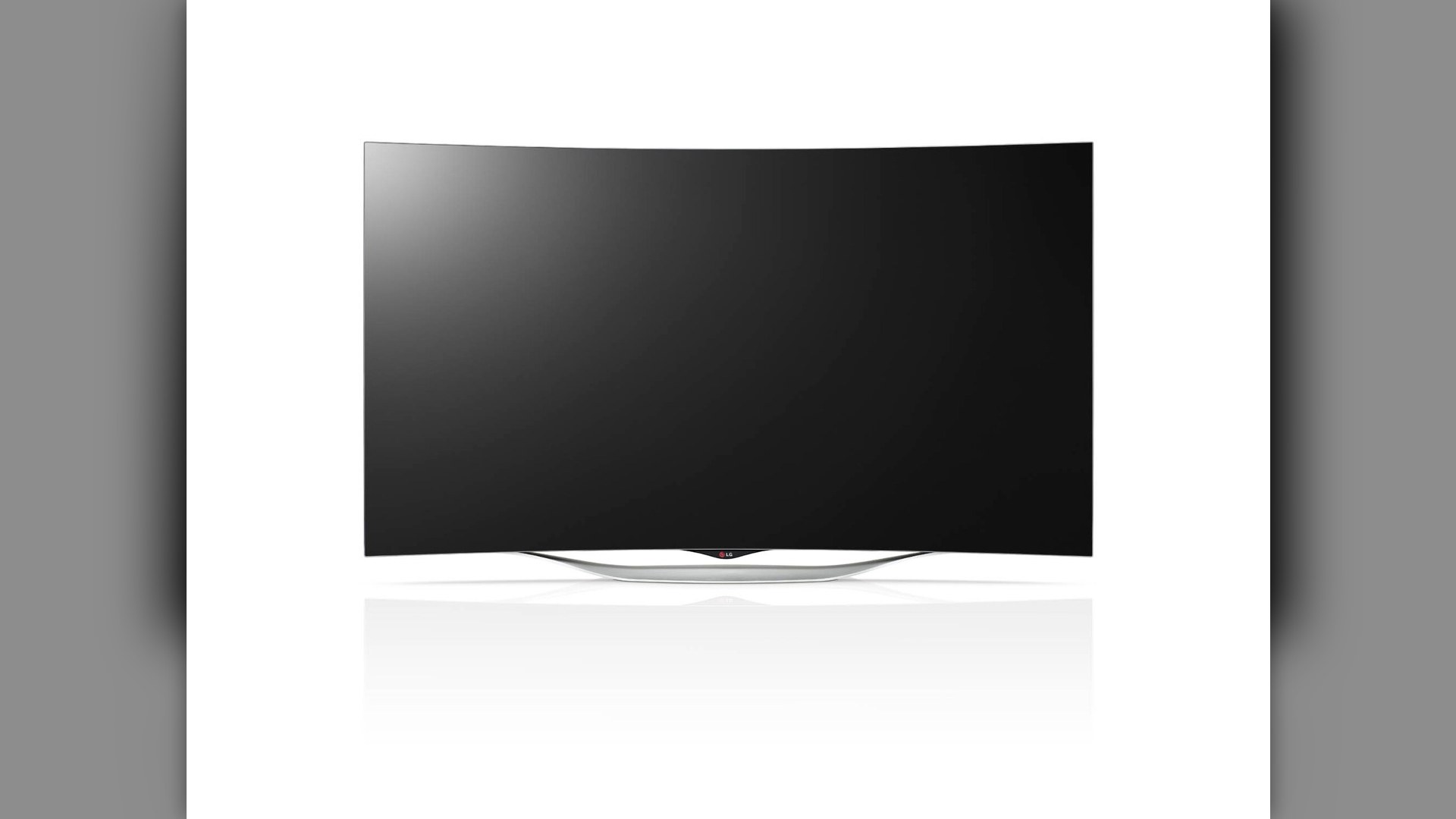
Many LG OLED TVs ship with TruMotion interpolation active, making movies look like daytime video. Open Settings, Picture, Select Mode, and pick Filmmaker Mode to restore native frame rates and warm color balance. Under General, Additional Settings, turning off Live Plus also stops viewing telemetry.
2. Dyson Cordless Vacuum
Running a Dyson cordless stick vacuum in Boost or Max mode can empty the battery in roughly eight to ten minutes and wears cells faster. Leaving the selector on Auto or Med lets the built-in load sensor boost suction only when the cleaner head hits thick rugs, often more than doubling whole-home runtime.
1. Apple iPhone
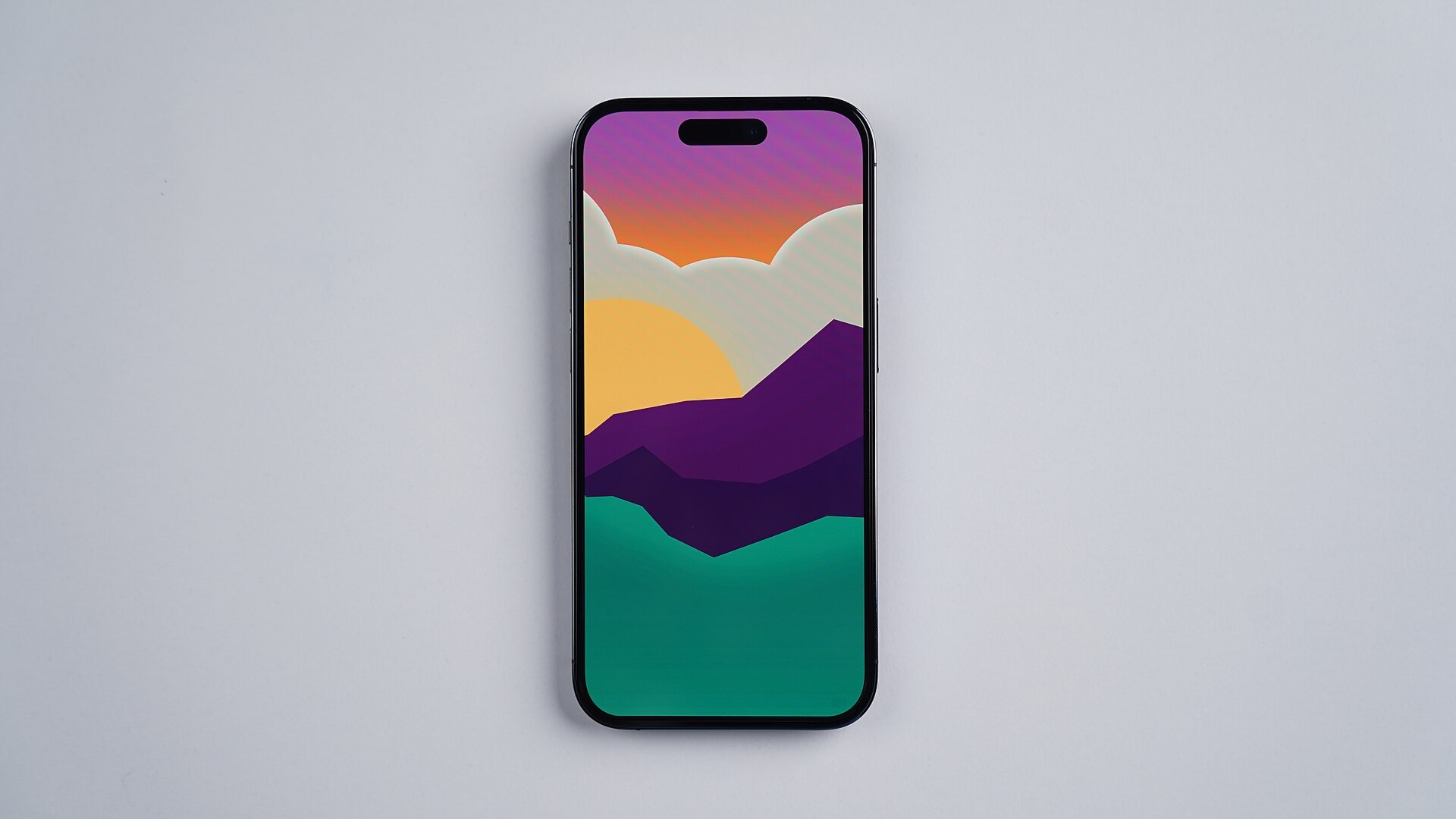
Open Settings, Accessibility, Touch, Back Tap on your iPhone to turn two taps on the rear Apple logo into a flashlight, camera, or screenshot shortcut. Under Settings, General, Background App Refresh, switching off apps that never need live updates stops silent battery and cellular drain all day.